A team member finds an AI workflow that works. Sharing the prompt is only the start, because the result also depends on the files, tools and business rules behind it. When another person or agent takes over, they also need to know what the team has decided, what is still open and how far the work has come.
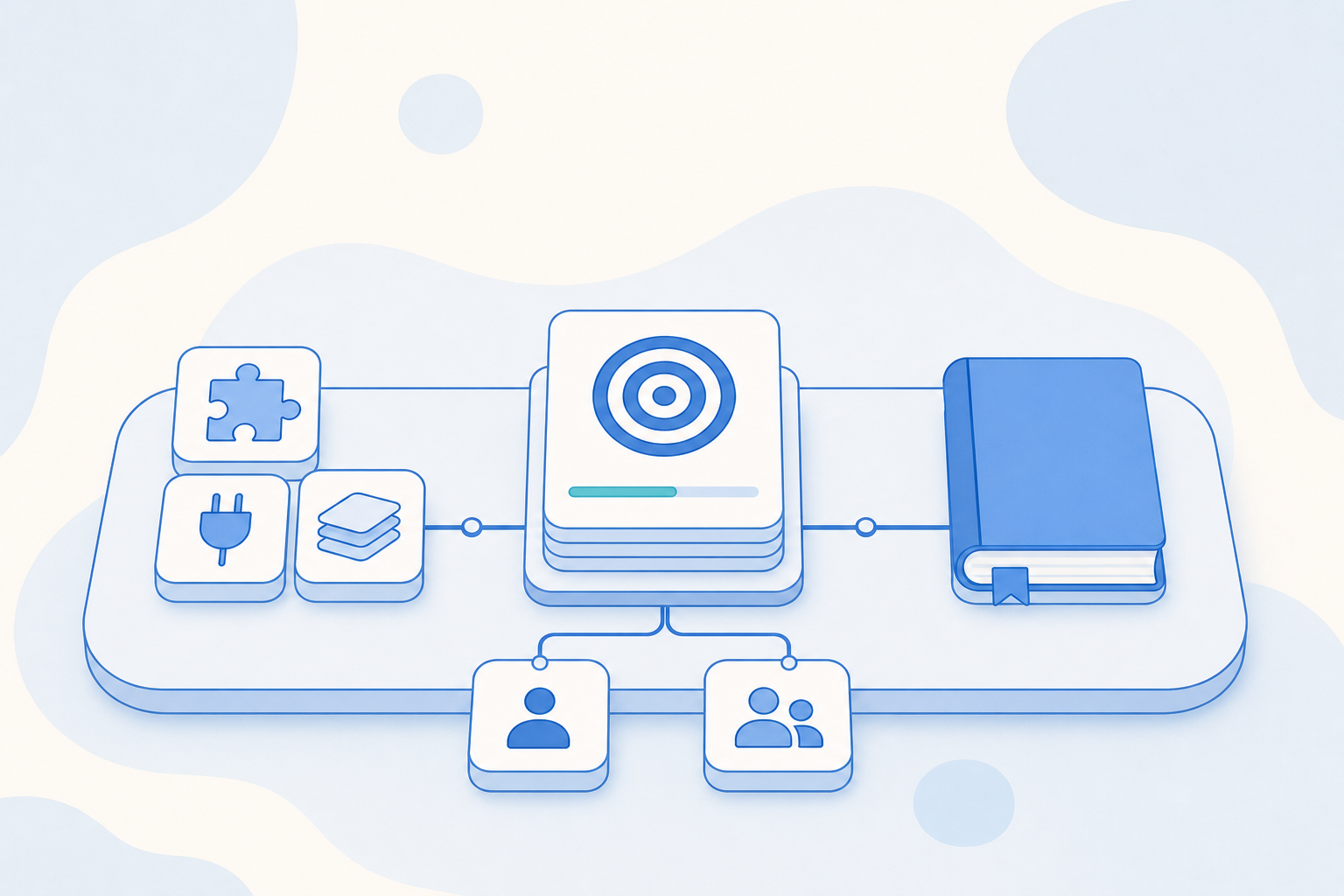
Workspace in Agentic Engine keeps those pieces together. You set up the agents, tools and business knowledge your team uses in one space, and each Task tracks one piece of work from its goal to its deliverables. A method that worked for one person can become a Skill the rest of the team picks up.
1. Make proven methods easy to reuse
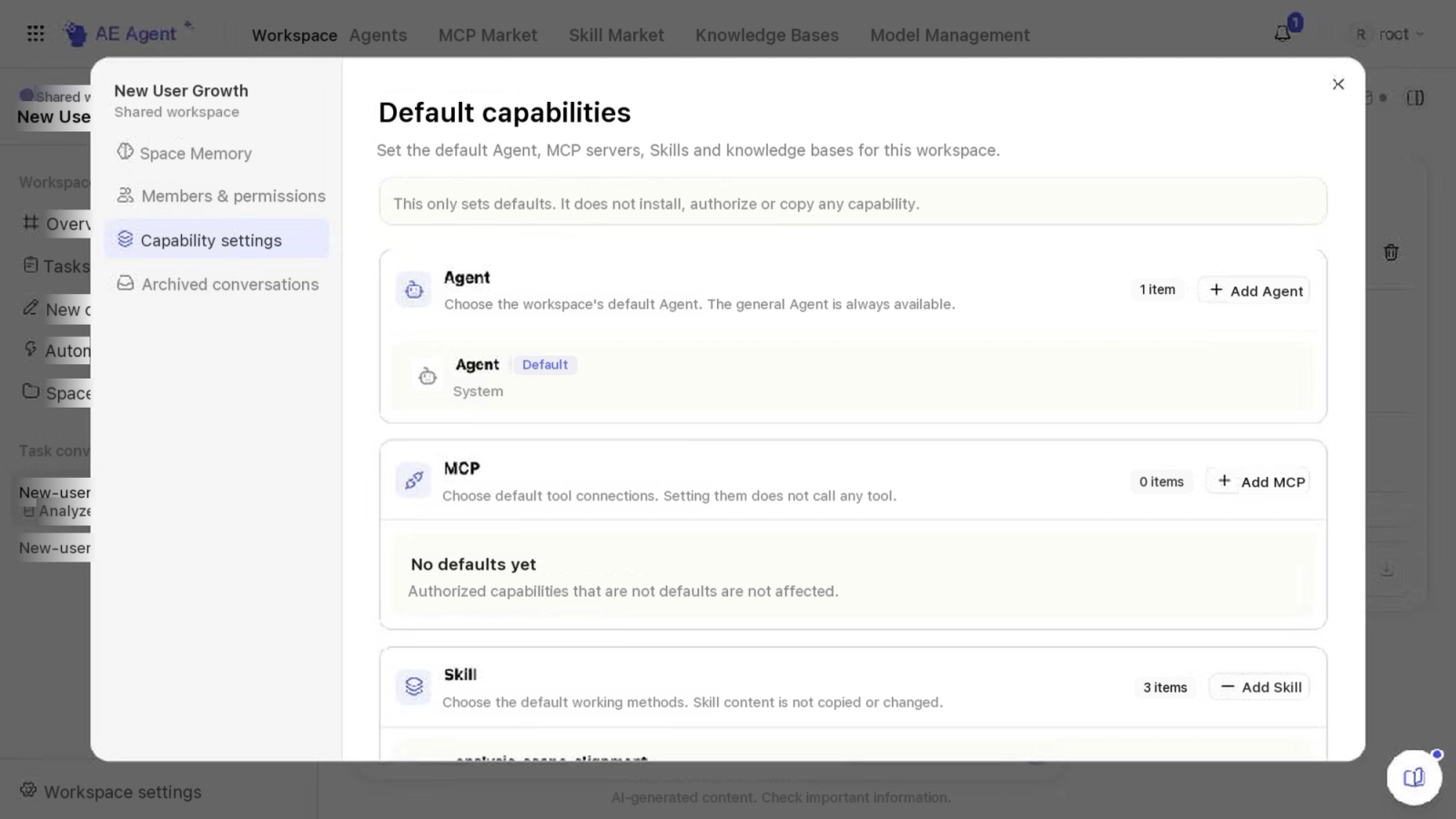
In a workspace, the files, business rules and past results your team relies on sit alongside its agents, Skills, tool connections and knowledge bases. Each member can use them according to their role and resource permissions.
A sequence of steps that has worked can become a Skill, and the supporting files and tools can be in the workspace before the next task starts. When a new task starts, the agent works toward the goal at hand with the resources it is authorized to use. The people who know the business review the output and approve any changes it calls for.
The agent processes files and builds reports or charts in the workspace's own shared sandbox. It connects to your business systems through the CLI and MCP connections it is authorized to use.
A file the agent generates becomes a space asset only after someone reviews and publishes it, and it can be attached to the Task it belongs to. Reviewers can find the deliverable, and teammates working on later Tasks can reuse it.
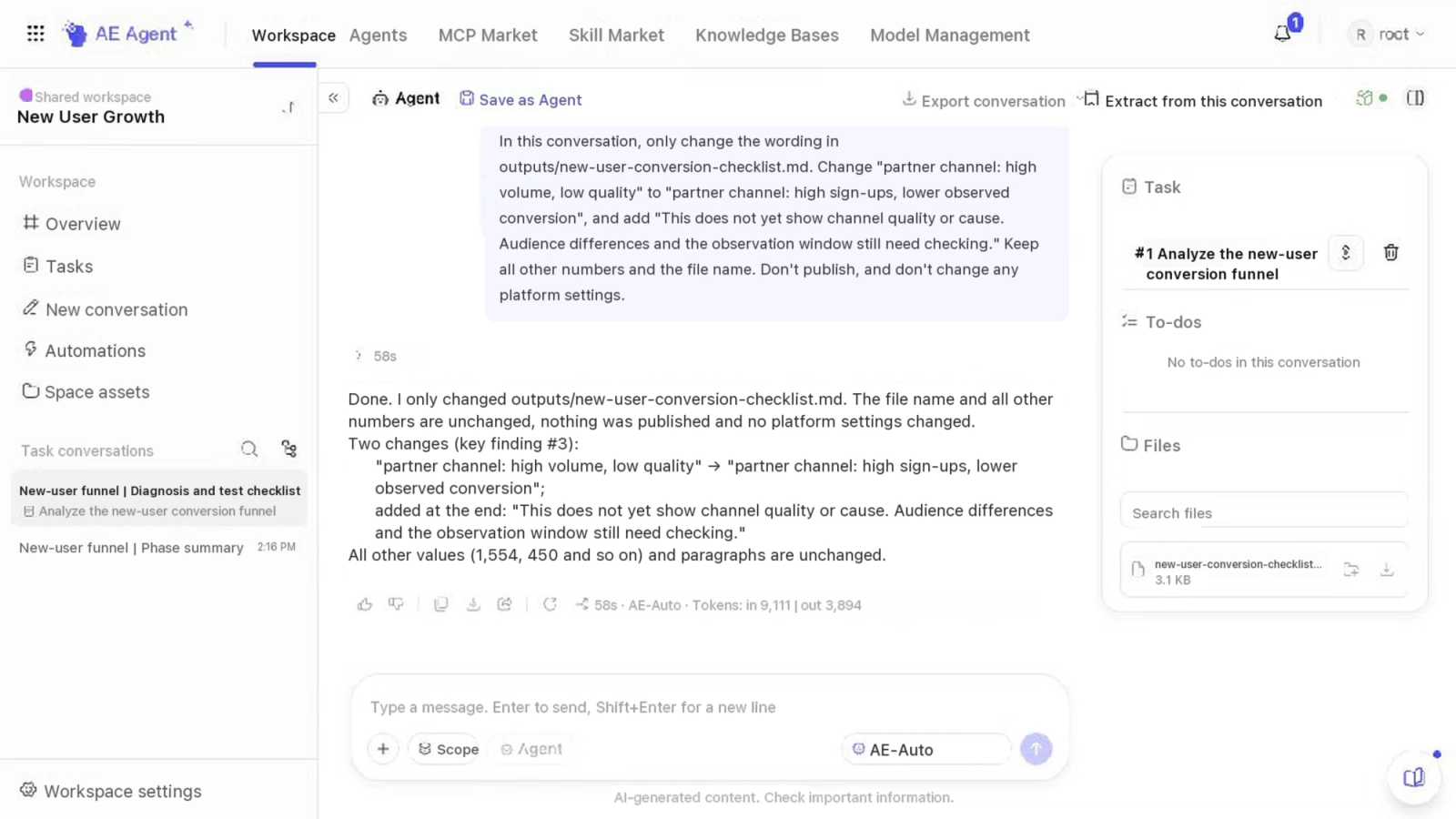
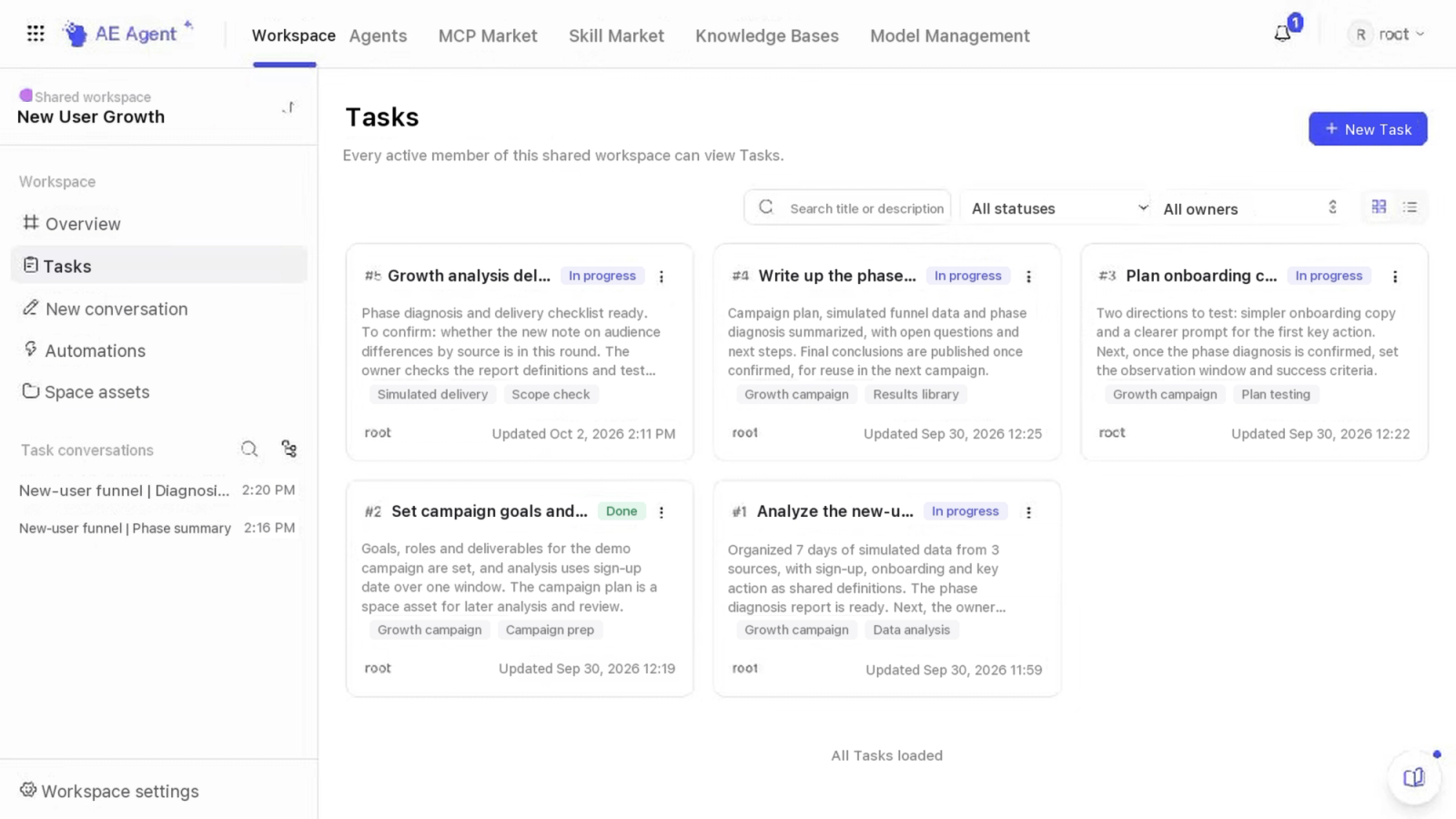
Files show what was produced, and Tasks show the status of the work. Each Task records the goal, the owner and the current stage, and links the evidence, the open questions and the deliverables. When someone starts a conversation from a Task, the agent uses its goal, progress and attachments to work on the open questions. The team member records the new conclusions in the Task and publishes any files the next person will need.
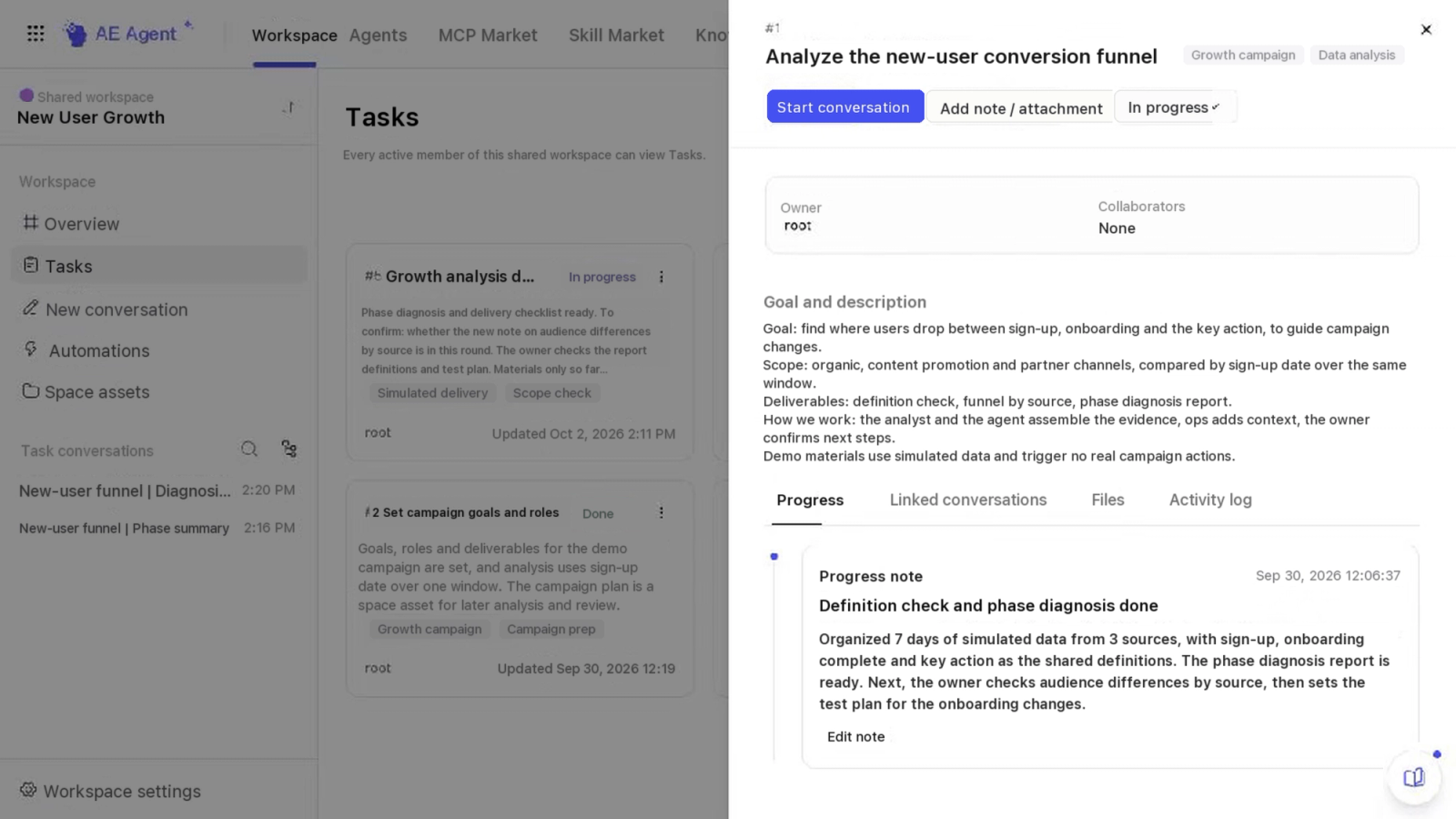
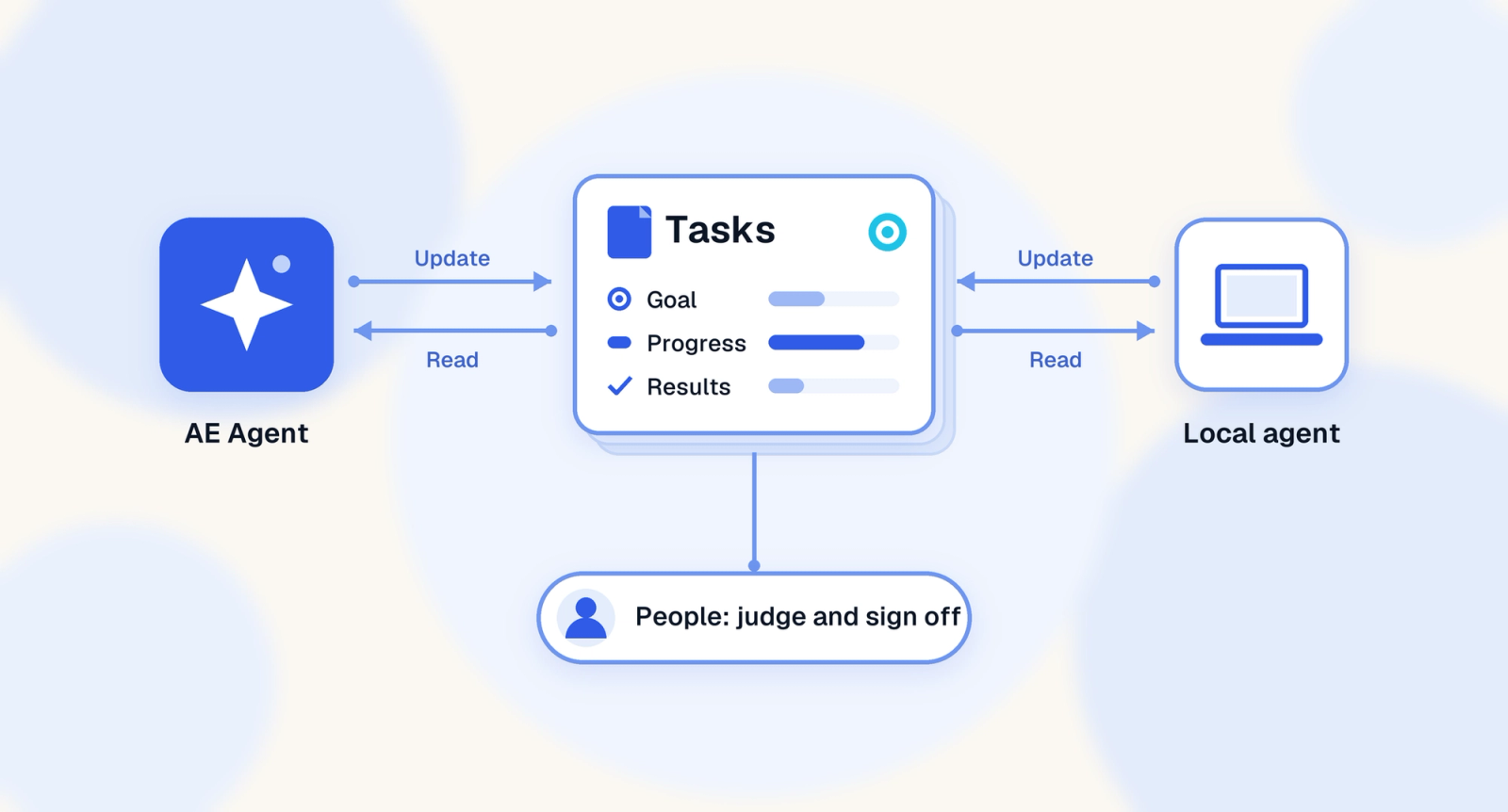
Agents running on your own machine can work with Tasks too. A local agent connected through the CLI, with the permissions it needs, can read a Task, carry out the work and add its progress or results. Your team keeps working in the tools it already uses, and the owner of each Task makes the business calls and signs off.
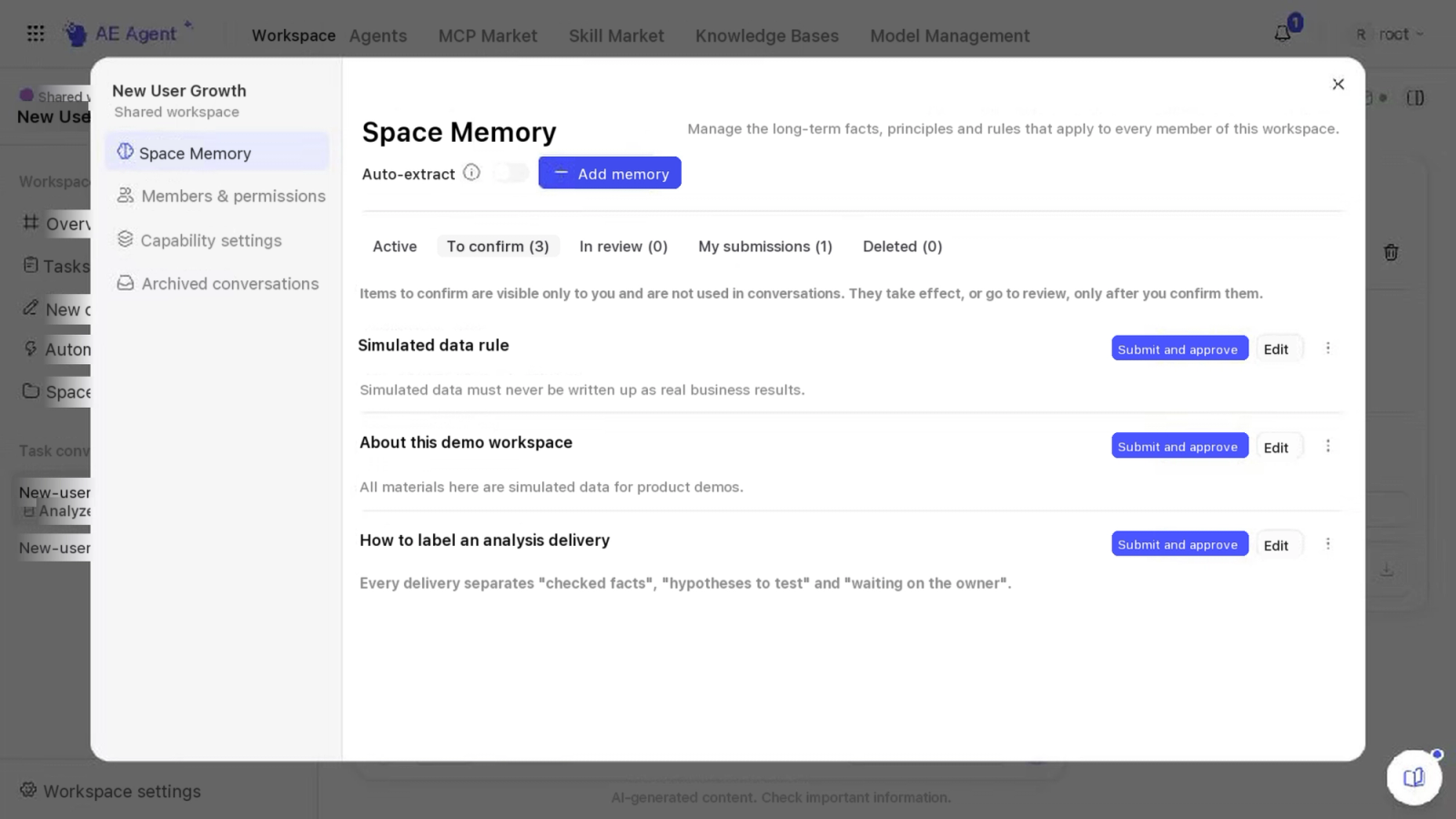
Some results belong only to one project and some are worth keeping. A report can be published as a space asset. A business rule, such as a shared time zone or a metric definition, can become Space Memory. Memory extracted from a conversation starts as a draft and takes effect only after someone confirms or approves it.
For checks your team runs every day or every week, you can set up an automation once the instructions, the data it can use and the required capabilities are verified. It runs on schedule and keeps a record of each run and its results, and the team decides what to follow up on.
Each person's everyday conversations stay private. Team members share conclusions by recording them in a Task and share files by publishing them. What each member can open depends on their role and resource permissions. Teams that need more control can also run Agentic Engine on their own infrastructure.
2. Keep the context from analysis through execution
Say new users from one channel convert poorly. Should the team change the campaign, or look at the conversion steps inside the product? Before anyone acts, the analyst checks the audience and the time window, and the campaign team compares the intended targeting with the people the campaign actually reached.
The confirmed metric definitions, the diagnosis and the hypotheses the team still needs to test can all be linked to one Task in the workspace. The campaign team adds targeting details and results, and the agent drafts an updated analysis and a proposed change for the team to review.
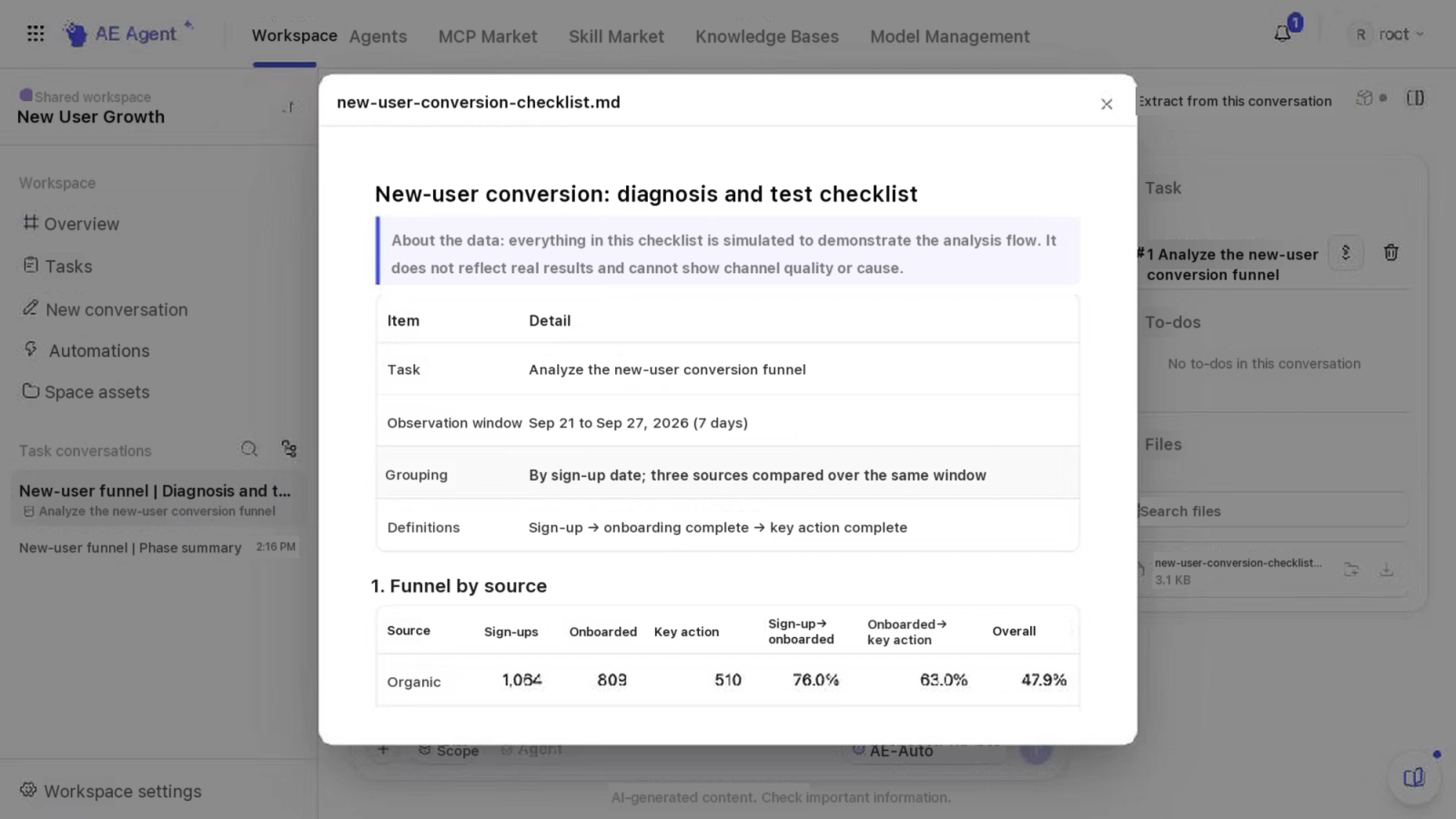
In the campaign review, the team can check whether the recommendation fits the targeting, and the analyst can see whether the new information changes the earlier explanation. Once the team agrees on a direction, authorized members can use the engagement and A/B testing capabilities in Agentic Engine. The approved plan and the test results are linked to the Task, so the next round of analysis can show which explanations held up and which need another look.
When the team decides on a product change, it records the development scope and acceptance criteria in the feature's Task. Engineers keep working in their usual environment, and the repository still tracks code and versions. An engineer or an authorized agent adds the commits and test results to the Task. "Code complete" and "shipped" are tracked as separate states, so QA can plan the next checks and the product owner can sign off on the right one.
Customer delivery works the same way. Requirements, change records, milestone results and acceptance feedback can all be linked to one delivery Task. The agent pulls them together and flags what is still unconfirmed, such as whether the sign-off covers the latest change request. The project lead checks the acceptance criteria and plans the next steps, and once the customer signs off, the Task holds the record of why the work counts as done.
These records also make the next delivery easier. After the retrospective, a requirement that was missed goes onto the kickoff checklist, and a business rule that keeps coming up can become Space Memory once it is confirmed. The next project starts with both and adapts them to its own needs.
People who know the business can use agents to put more of their ideas to the test, and a specialist's methods can reach projects the specialist never has time to join. Workspace helps your team carry reviewed methods, files and decisions from one task to the next.
Workspace, Tasks and Space Memory are available now in Agentic Engine.