
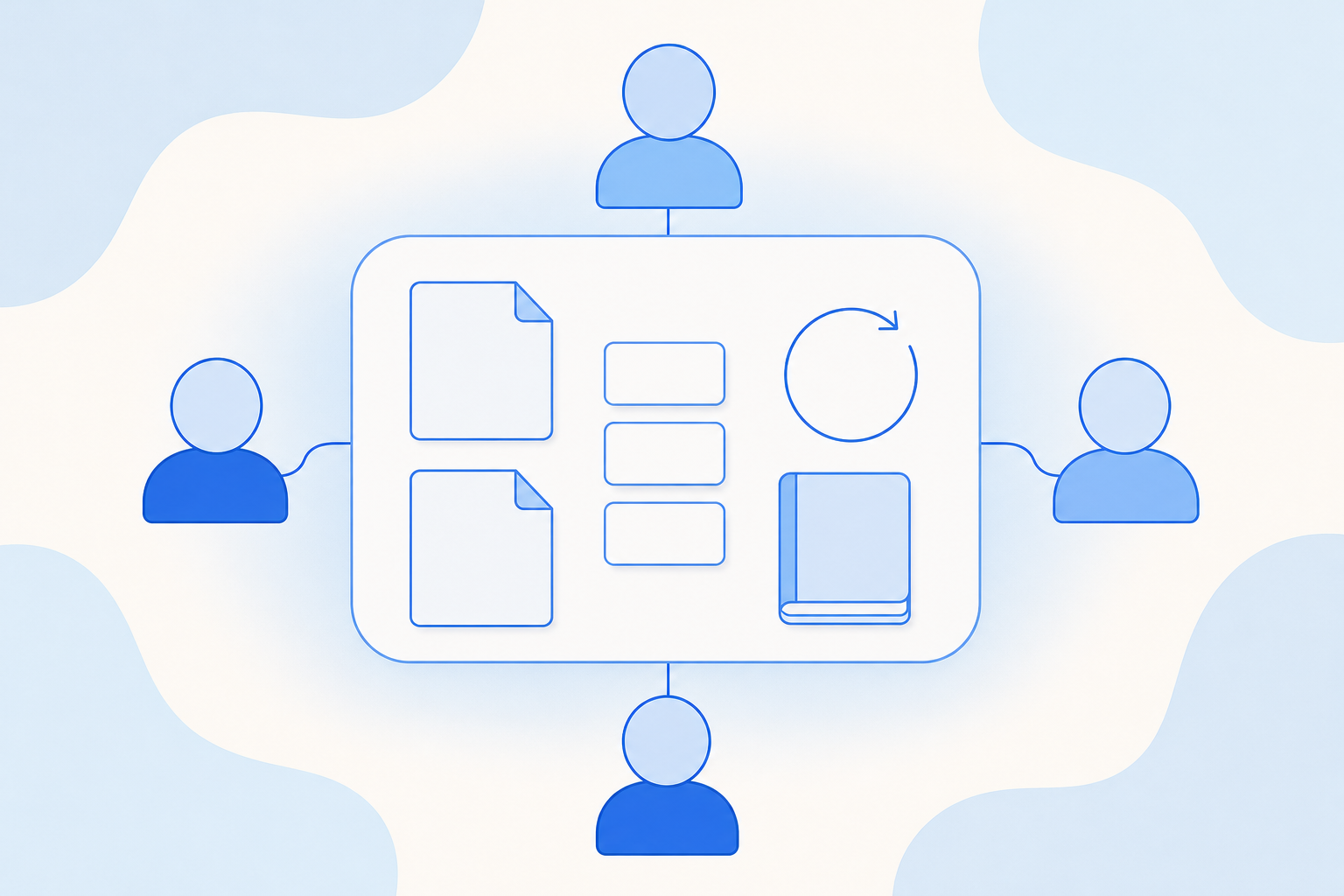
This week brings shared workspaces for teams, easier knowledge base upkeep and separate sandbox limits for personal and shared use.
| Module | Change | Where you'll see it |
|---|---|---|
| Agent management | Personal and shared workspaces | Workspaces |
| Workspace files | Workspace files | |
| Tasks with owners and progress | Tasks | |
| Reviewed, versioned memory | Space Memory | |
| Team automations with cancel and retry | Team automations | |
| Message center across workspaces | Message center | |
| Edit text sources in place | Knowledge base sources | |
| Change check for web page sources | Knowledge base sources | |
| Compile time in usage records | Knowledge base usage records | |
| Governance | Separate quotas for personal and shared sandboxes | Sandbox resource controls |
Agent management
Personal and shared workspaces. A workspace keeps your sessions, files, Agents, Skills, MCPs (connections to outside tools), memory and automations together. You can organize workspaces by project or team. In a shared workspace, each person has a member, administrator or Owner role that sets what they can access. A built-in welcome guide and recommended practices help new users get started.
Workspace files. You can upload, browse, preview and download files in a workspace. Conversations can reference these files directly, so you upload a file once and reuse it. Files the Agent creates can be published back to the workspace. When a file with the same name exists, you choose to keep both or replace the old one.
Tasks. You can create a task, assign an owner and collaborators, and keep its status and progress up to date. Link related conversations and files to the task, and start an Agent conversation directly from it. When a task is reassigned, the new owner is notified automatically.
Space Memory. You can save a memory manually, extract it from a full conversation, or let it be captured automatically. You can view and restore earlier versions. In a shared workspace, members suggest memories and administrators review them before they take effect, so the team's Agents work from knowledge someone has checked.
Team automations. Agent and Team automations now appear together in one view of the shared workspace. It is now clearer which execution target an automation uses, and you can cancel a run, retry after a failure and continue a conversation a colleague started.
Message center. The message center shows new replies, items waiting for your confirmation, run issues and task changes from all your workspaces. You can filter by workspace and type, mark everything as read in one click and find notifications from the past seven days.
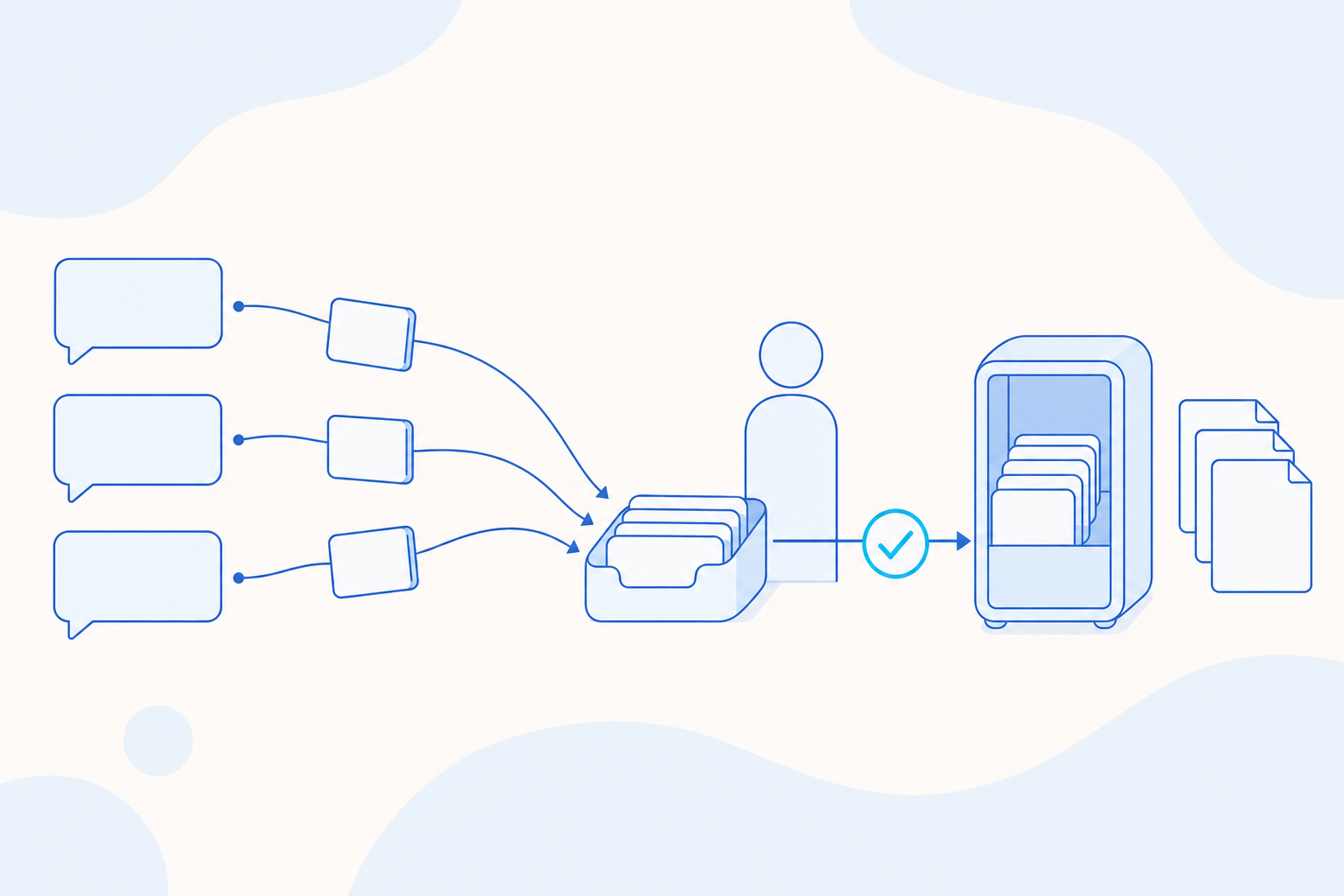
Edit text sources in place. You can create, view, edit and preview plain text sources in a knowledge base directly, without re-uploading a file. This works in the web interface and through external interfaces.
Change check for web page sources. For a web page source, you can run a check at any time to see whether the page has changed. Updated sources are marked, and you decide when to run an incremental compile. The check never starts a compile on its own.
Compile time in usage records. Knowledge base usage records now show compile time. An external usage query interface also shows how much compile resource your knowledge base consumes.
Governance
Separate quotas for personal and shared sandboxes. A sandbox is the execution environment where Agent conversations run. Personal and shared sandboxes now have separate quota tracking. Your organization can set quotas and concurrent-session limits for each type, to fit how each is used.
Questions
Questions about anything in this update? Contact your account team. All eight updates are generally available as of October 16, 2026.
Share