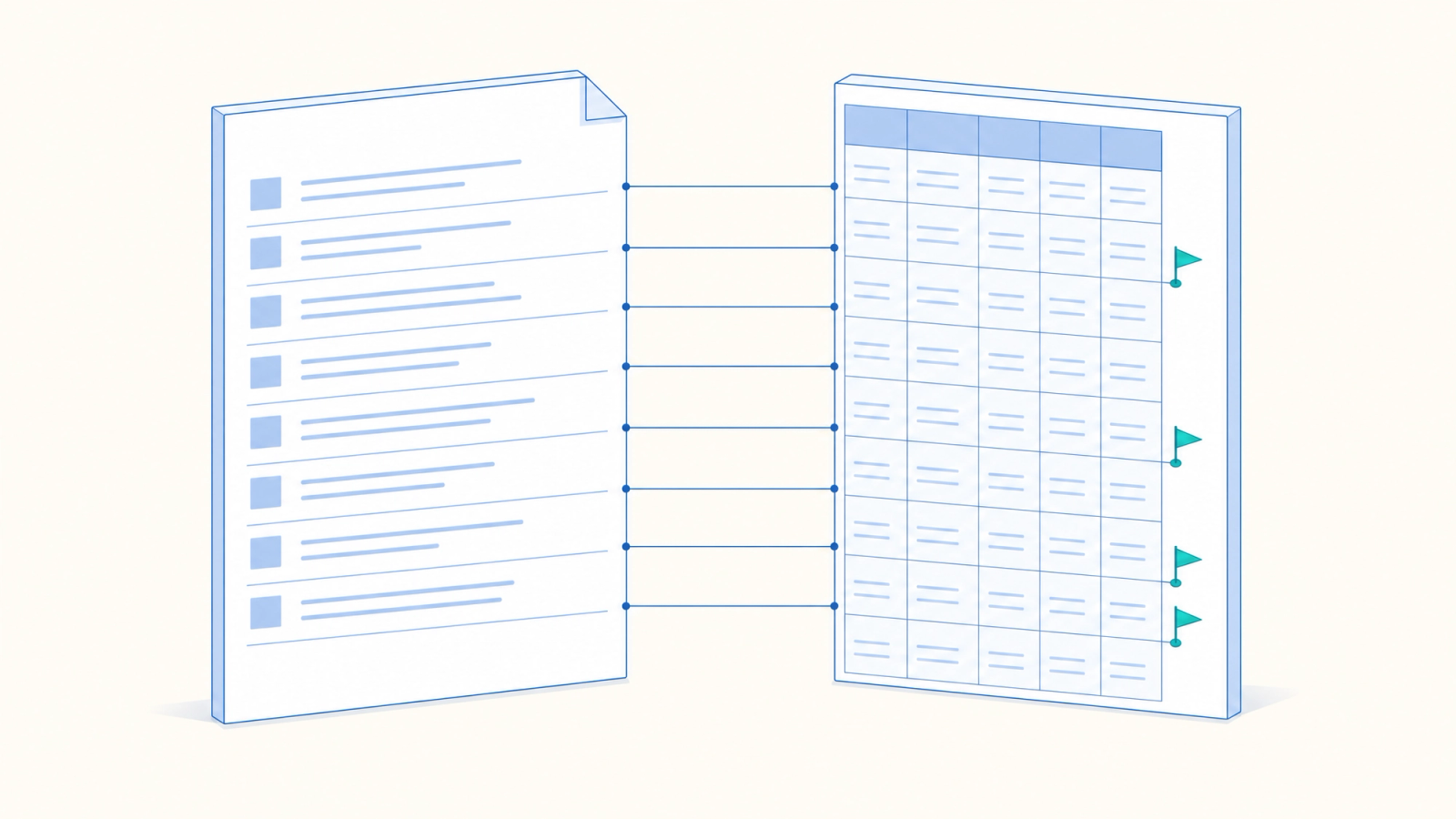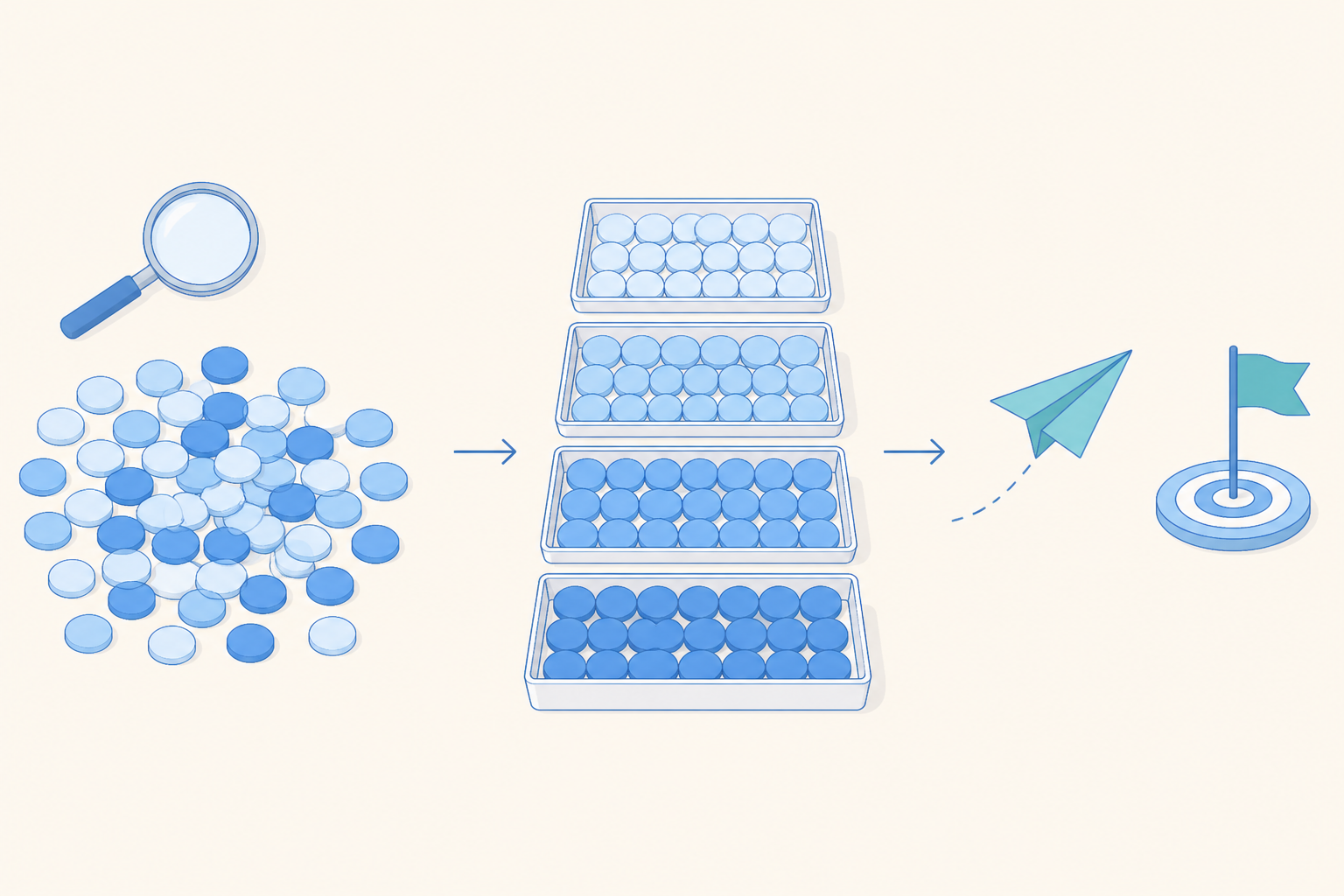
Behavioral segmentation groups users by what they have done in your product, such as finishing onboarding, using a feature or coming back within a week. A group built that way tells you who is ready for which message, offer or product change. The hard part is getting from a list of events to a few groups the team will act on, then checking whether the action worked.
What behavioral segmentation is and how it differs from user segmentation
Most user segmentation starts with attributes. Country, device, acquisition channel, plan and account type say who a user is and where they came from.
Behavioral segmentation starts with events. Typical ones are completing the onboarding checklist, reaching a level, using a particular feature, making a first purchase or watching an ad and continuing to play.
The difference matters when you have a decision to make. A lifecycle lead deciding who gets an onboarding reminder needs to know which steps each user finished. Country and device add context. Neither one records how far someone got through onboarding.
Start with the decision you need to make
Teams often begin by browsing every available dimension. They end up with a long list of plausible groups and no agreement about what to do with any of them.
Begin with the action. It might be a message, a changed offer, an onboarding tweak, a product test or a lifecycle journey. Then ask which behavior decides who should get it.
For an onboarding reminder, the relevant behavior is starting onboarding, leaving a required step undone and returning afterward. For a feature education message, look for people who use a neighboring feature often and have never opened the target one.
Most of these questions fall into three kinds of behavioral cut.
- Activity and frequency. How often did the user do something in a set window?
- Feature or content usage. Which features, categories, levels or content did they use?
- Journey stage. Which required steps are done, and where did progress stop?
Purchase value and event order often need rules of their own. For most lifecycle and product decisions, these three are a sound first pass.
Write the action next to every proposed group. If the team cannot name an action, leave that segment in analysis until a real decision appears.
How to build behavioral segmentation, step by step
Step 1: Write the segment as event conditions
Turn the idea into a definition another analyst could rebuild from scratch. Name the events exactly as they appear in your tracking plan. Then set the time window, the minimum count, any event properties that matter and the exclusions. If order matters, say so.
"Engaged users" is hard to audit. "Users who triggered level_complete at least five times in the last seven days and never triggered purchase_completed" gives the team something concrete to check.
Step 2: Check size and overlap
Compute the group before attaching it to anything. Look at the member count, then compare it with neighboring groups.
One person may qualify as both a frequent user and an unfinished-onboarding user. Decide up front whether groups may overlap. If they must not, write the precedence rule into the definition. If they may, decide which campaign wins when someone qualifies for two.
Step 3: Pick the simplest way to build it
A condition builder handles event counts, user properties, time windows, plus and/or logic. SQL earns its place when the definition depends on event order, several joins or logic your warehouse already maintains.
A chart is another starting point. When a funnel shows people dropping at one step, the users at that step are already a candidate group. Building a cohort, a saved group of users, from that point keeps the audience matched to the finding that prompted it.
Whichever method you use, the result should be a named group with a readable definition and a member list open to anyone on the team.
Step 4: Use tags for labels with several values
A cohort answers a yes or no question about membership. A tag gives each user one value along a dimension, such as light, regular or heavy activity, or the last onboarding stage completed. With a tag, a single chart compares all the values side by side.
Give every value its own written rule. A boundary that lives only in one analyst's head gets applied from memory at the next refresh, and the group quietly changes.
Step 5: Refresh membership as behavior changes
Some memberships stay true forever, such as having completed onboarding once. Many don't. A user active last week may be quiet this week, and someone who had never purchased may buy the day after joining the group.
Match the refresh to the action. Recompute the group before a scheduled send. For an event-triggered message, use current behavior at the moment of entry. Note when the group was last refreshed so whoever launches the campaign knows how current the audience is.

Check each group with customer segmentation analysis
Before acting, confirm the group is coherent beyond the events that put people in it. Compare segments in a retention chart to see whether members return. A funnel shows which group moves through each step, and a distribution chart shows how counts or values spread within a group.
Split each chart by the cohort or tag. A gap between groups shows an association. It tells you where to look and leaves the cause open.
Then open a few individual users. Read one user's event sequence or session details and look for broken tracking, duplicate events, odd ordering and edge cases created by your time window. One timeline shows how the rule behaves for a real person, and the aggregate chart shows whether that person is typical.
Turn segments into actions
Use the same group as the audience for the message or journey, and send on a schedule or when users do something.
Keep the first action narrow. Write down the audience, the message or experience, the trigger or schedule, the outcome metric, the comparison group, the review date and the person who decides what happens next. If you are testing several versions of a message, run them inside one campaign so the audience and timing stay the same for every version.
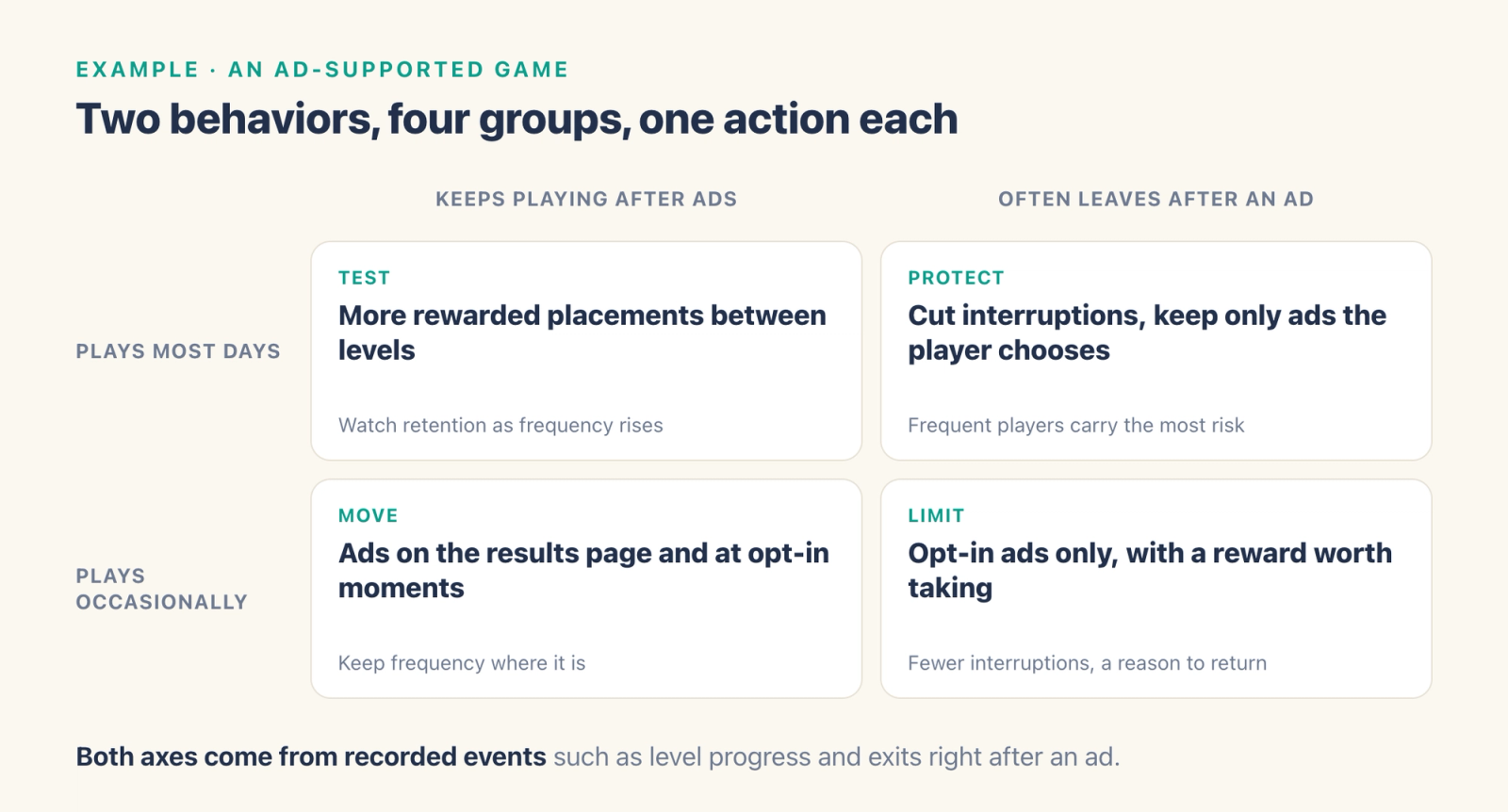
Ad-supported games offer a clear example. Split players by how often they play and by what they do after an ad, either keep playing or leave soon after. Both come from events a game already records, such as level progress, ad impressions and item usage.
| Keeps playing after ads | Often leaves after an ad | |
|---|---|---|
| Plays most days | Test more rewarded placements between levels | Cut interruptions and keep only ads the player chooses |
| Plays occasionally | Move ads to the results page and opt-in moments | Show only opt-in ads with a reward worth taking |
One match-3 team in the Agentic Engine white paper used this kind of split. A new lobby pop-up was hurting retention most among its frequent players who left after ads, and the per-group view showed that within days. The team decided each group's change before it shipped.
Common mistakes to avoid
Creating more segments than the team can run
Each live segment needs an owner, an action and a way to measure it. Archive exploratory groups once their question is answered.
Using definitions nobody can explain
A group built from hidden filters is hard to trust. Give every one a plain-language description, its event conditions, exclusions and refresh rule.
Launching on a stale audience
Refresh the members before launch and confirm the computation finished. A saved definition only describes who should be in the group. The member list shows who is in it today.
Acting with no control group
A metric that moves after a message does not prove the message moved it. Keep a holdout when the decision depends on cause, and compare the same outcome over the same window.
Where ThinkingAI fits
Say a funnel shows new users stalling at the tutorial's third step. In ThinkingAI you open that point in the funnel to see the users behind it, then one user's event sequence. If the group looks right, you create a cohort from that point. The cohort refreshes later without changing its definition, and its members are listed or exported on demand.
Cohorts also come from and/or conditions, SQL or a list of imported user IDs. User tags come from conditions, with each value given its own rule, or from a metric, a user's first or last value, or SQL. Events, Retention, Funnel and Distribution analysis all split results by a property or a group.
Your engagement team uses the same cohort in Engage. The audience comes from user properties, tags or cohorts, and messages go out on a schedule or when users do something. Different versions of a message go to groups within one task, and the team compares the results.
Agents draft a segment on request. Once a person approves the draft, the agents build the segment or the task. Your team still chooses which behavior matters, who gets the action and whether the result is worth continuing.