
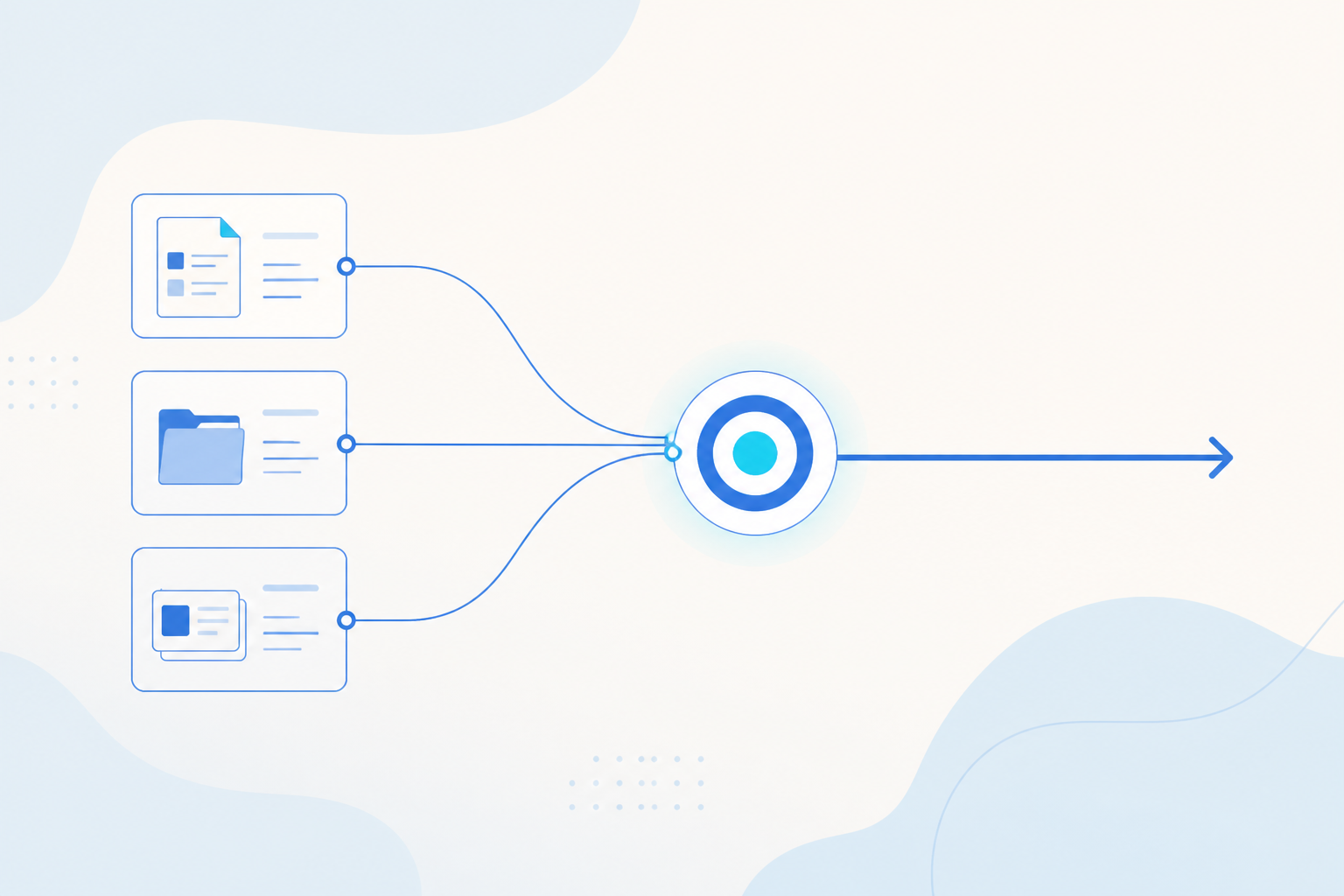
You can now run live experiments on your own product without opening an engineering ticket. Try a different button color, a new onboarding flow, or a different price, and put those versions in front of real users side by side. In most cases nothing new has to be built and nothing has to ship. The module turns "which version is better" from a judgment call into a fair split with the numbers worked out for you.
What You Can Experiment On
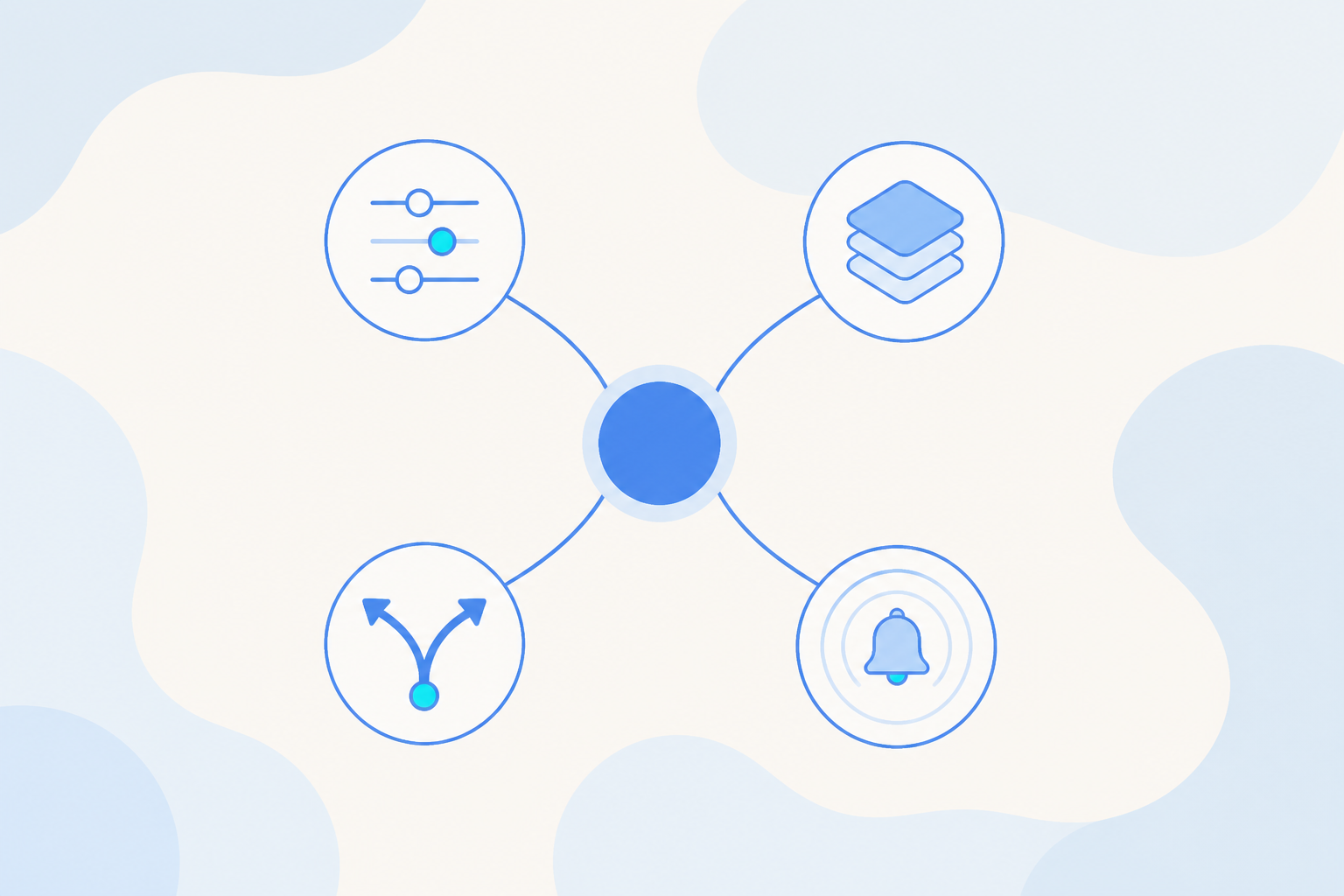
There are four kinds of experiment, each aimed at a different part of the product.
- Feature Parameter experiments test different versions of a setting, like a button color or a price point, with no new code from engineering.
- Visual experiments let you change what is on a page directly through a visual editor, then compare the variants.
- URL Retargeting experiments route different users to different versions of a page and measure which one converts better.
- Push experiments test different copy for a push notification or a pop-up.
Between them they cover the work you already do: growth experiments on signup and onboarding, landing page and campaign conversion, and the wording of your push messages.
How a Test Runs
Once an experiment is live, the flow runs on its own. Here is what happens each time a user shows up.
- A user opens your app. Behind the scenes, the app asks a central experiment engine which version this person should see.
- The engine applies the rules you set, picks a version, and returns it. The app shows that version to the user.
- The app quietly reports back which version the person saw. The user does nothing.
- Every one of those reports rolls up into a results report you can open whenever you want.
The same person keeps seeing the same version for the whole experiment, so the results stay clean and nobody lands in two conflicting tests at once. The flow works the same way across app, web, and server-side, so a test can follow the experience wherever it lives.
What It Can Do
| Capability | What it does |
|---|---|
| Test settings, no code | Try different versions of a setting like a button color or price, and run several experiments on different parts of the product at once. |
| Splits users fairly | Divides users into groups proportionally, keeps one person from landing in two conflicting tests, and lets unrelated experiments run side by side. |
| Consistent everywhere | Each person keeps seeing the same version for the whole experiment so results stay clean, and it works across app, web, and server-side. |
| Tracks the right metrics | Logs who saw which version, and measures both yes/no outcomes like a signup and numeric ones like how much someone spent. |
| Tells you if it worked | Rolls multiple experiments into one report, picks the right statistical check for you, and gives a plain answer: this version did better, worse, or made no real difference. |
| Easy to launch or undo | Once a version wins, roll it out to everyone or to a set percentage in one click. If something looks wrong, revert instantly. |
Getting Started
To start, configure an experiment inside the product: choose the versions you want to compare, set how traffic splits between them, and publish. From there the engine handles assignment and tracking, and the results report tells you which version came out ahead. When you have a winner, push it to all users or roll it out to a percentage first, and roll back at once if anything looks off.
Pricing varies by region. Contact your local sales team.
Share