
New in the Agentic Engine: ae-cli, a command-line tool for the AE platform that you can install today. It is designed for both AI agents and humans, so the same commands you run by hand are the commands your coding agent can run for you.
The Agentic Engine, as one command
ae-cli is the official command-line interface to the Agentic Engine. Analysis, metadata, knowledge base, data operations, and more all sit behind one tool you call from your terminal.
- Script it. Anything you can run once, you can put in a shell script or a job.
- Drop it into CI or an automation pipeline.
- Stay in the flow you already work in, no context switch to a separate UI.
Why it matters: analysis and data work stop being something you click through and become something you can write down, version, and repeat.
Give your coding agent AE powers
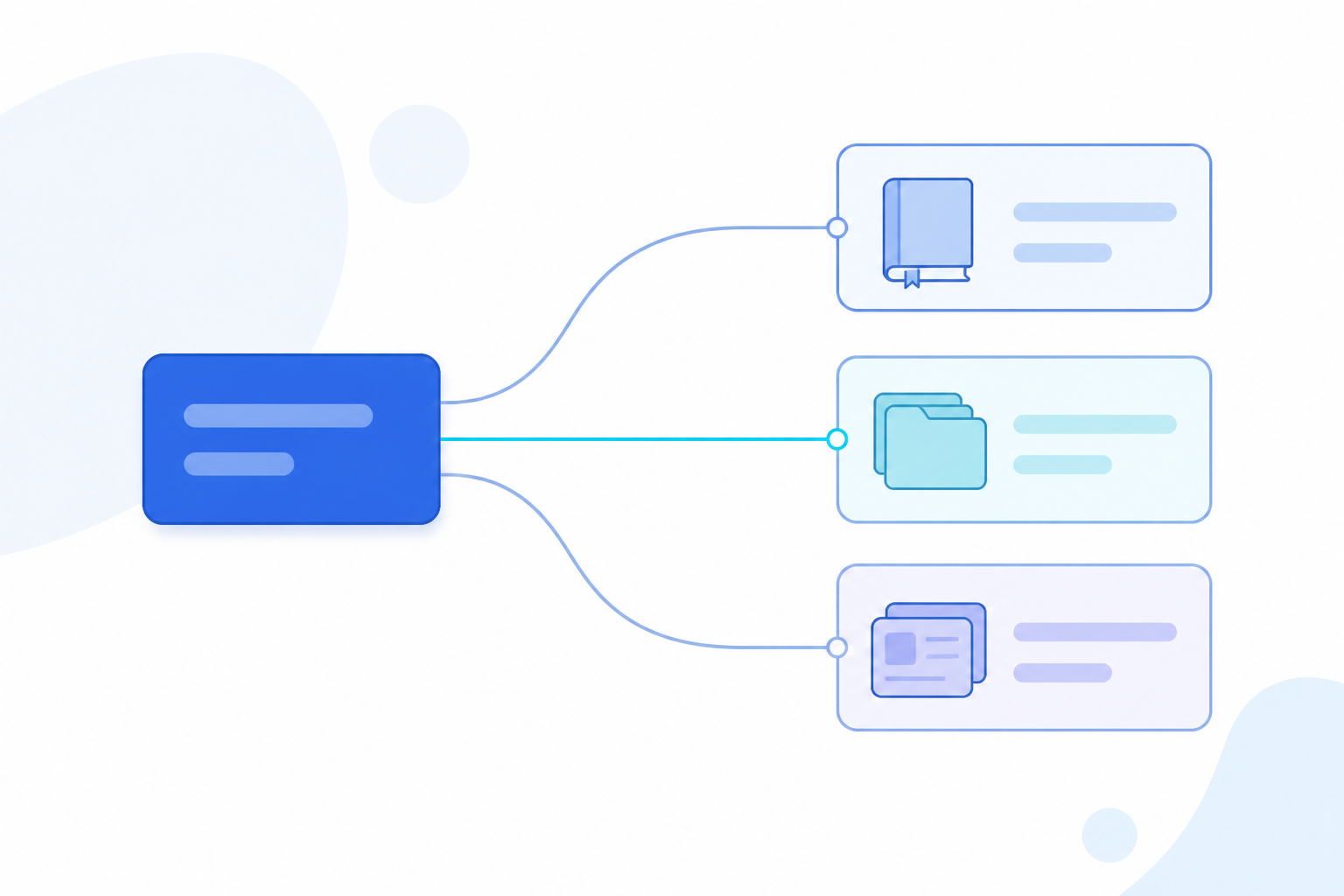
Install a skill pack and ae-cli connects to your AI coding agent, whether that is Claude Code, Cursor, or Trae. From there the agent understands and runs ae-cli commands on its own, calling the Agentic Engine as if it were a native capability.
- Your agent queries the knowledge base while it writes code, without you typing the command.
- It runs SQL against your data and reads the result back into its work.
- It updates a tracking plan or checks metadata as part of a larger task.
Why it matters: AE moves inside your agent's workflow instead of being one more tool a person has to open. You still drive. The agent does the legwork.
What you can run
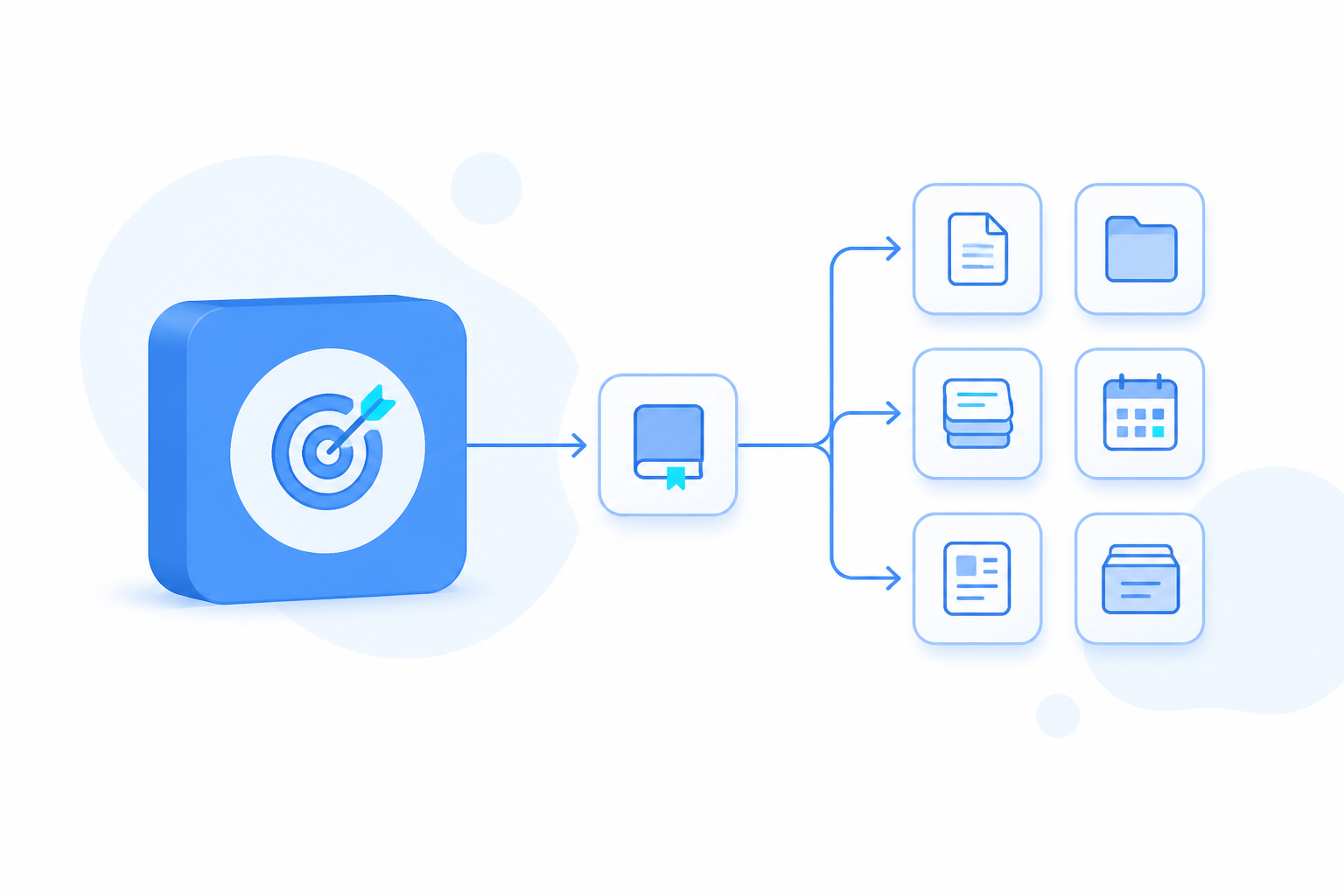
One tool covers the main domains of the Agentic Engine. The same commands work whether a person types them or an agent calls them.
- Analysis: alerts, reports, dashboards, and drilldown queries
- Metadata governance: events, properties, metrics, and tracking plans
- Knowledge base: create, upload, compile, and query
- Data operations: tables, flows, SQL execution, and integrations
- Audience: clusters, tags, and segmentation
- Community analysis: posts, topics, and livestreams
Getting started
ae-cli is open source on GitHub, written in TypeScript at around 8,000 lines on Commander.js and WebSocket. Install it globally, add the skill pack for your coding agent, and authenticate against your host:
```
npm install -g @thinkingai/ae-cli
npx skills add ThinkingAIAgenticEngine/ae-cli -g -y
ae-cli auth login --host [url]
```
From there, run a command yourself or let your agent do it. For example, query the knowledge base:
```
ae-cli kb +query -q "question" --sources '[...]'
```
Use it by hand, wire it into CI, or hand it to your coding agent. All three work from day one.
Share