

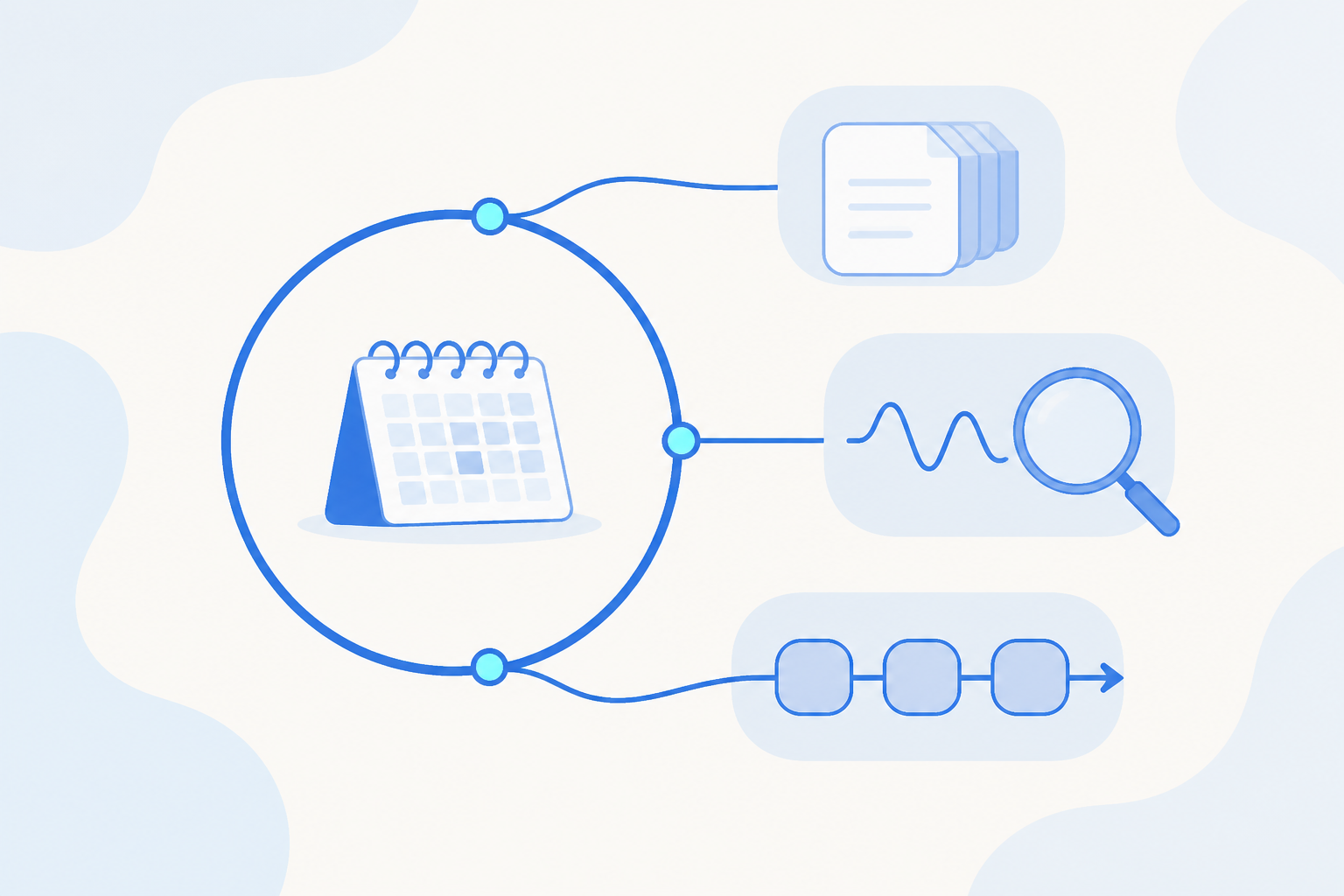
You can now turn any Agent, or a whole Agent Team pipeline, into a scheduled task. Set the cadence once, hourly, daily, weekly, or monthly, and it runs on time on its own. The weekly report, the nightly check, the routine sync: work that used to wait on someone remembering to click a button now happens by itself. If your Agent Team already runs a pipeline end to end, a schedule is the piece that makes it recur without a hand on the trigger.
What You Can Use It For
Recurring reports. Put business reviews, performance summaries, and any report someone used to run and share on a schedule. Once it is scheduled, it publishes itself on time, and the analyst who used to assemble it gets that time back for the deeper investigation.
Regular inspections and health checks. Run data quality, tracking, and anomaly checks every night or every hour, so problems surface on schedule instead of getting caught late.
Set-and-forget pipelines. Pair it with Agent Team to run a full pipeline, acquire, analyze, write, notify, at whatever cadence you set.
How It Works
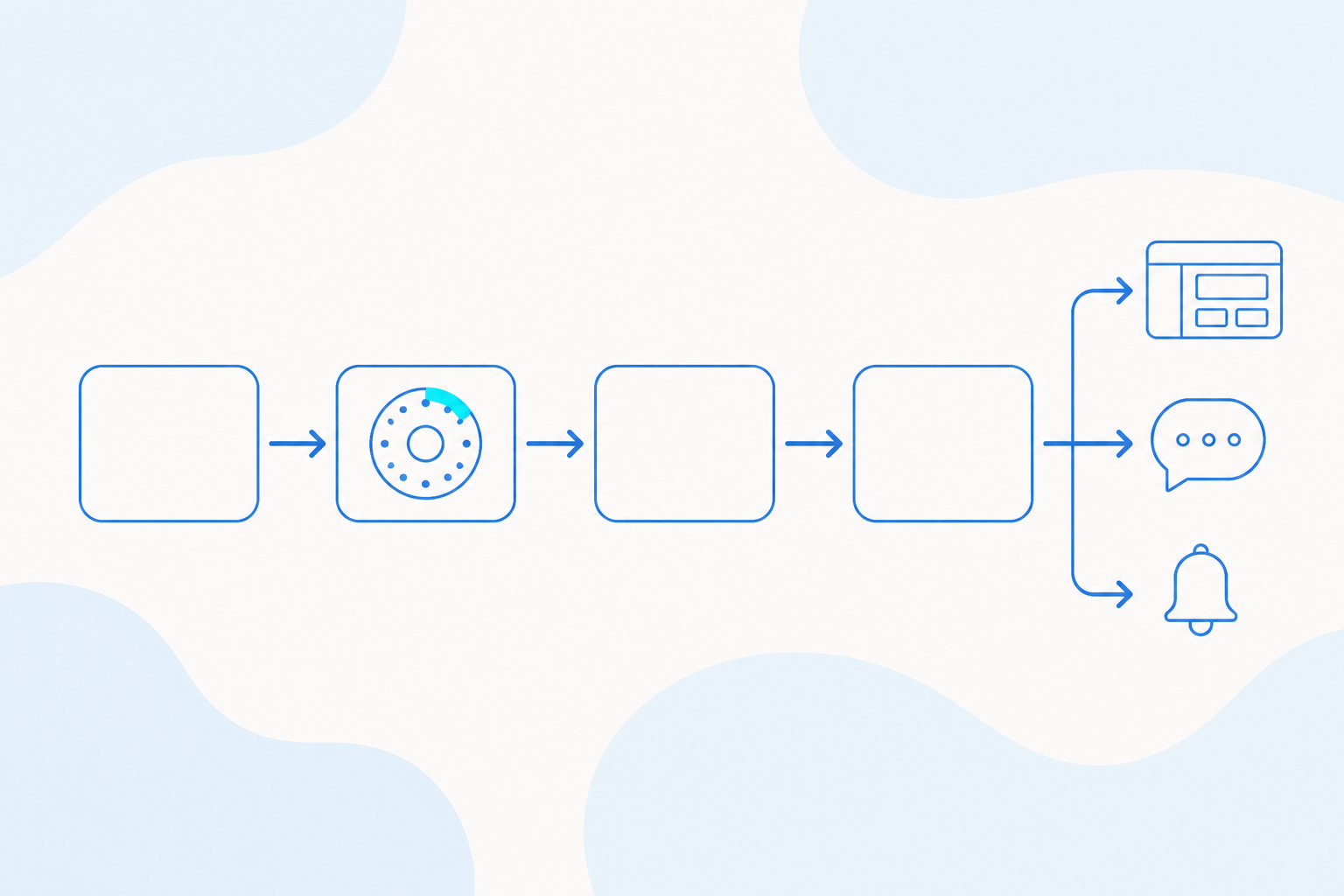
Build. Pick the Agent or Agent Team pipeline you want to automate, and set up the Model, MCP, and Skill it needs to do the job.
Schedule. Choose the cadence: hourly, daily, weekly, or monthly. Configure it in the AE interface, or create it through an ae-cli session if your team lives on the command line.
Run. Once it is scheduled, the task triggers on its own with no manual step. You can still kick off a run by hand any time you need one.
Deliver. The output lands where it belongs every time: a dashboard, a report, a team chat channel, or an alert. Same destination, every run.
What You Get
| Benefit | What it means for you |
|---|---|
| Runs without reminders | Repetitive work, a nightly check or a weekly report, happens on time without depending on anyone remembering to trigger it. |
| Flexible cadence | Choose hourly, daily, weekly, or monthly to match how often the work actually needs to happen. |
| Two ways to configure | Set it up directly in AE, or create and manage it through an ae-cli session, whichever fits your workflow. |
| Frees your team for judgment calls | Automating the repetitive parts frees people to interpret results and decide what to do next, instead of producing the same output over and over. |
Getting Started
Pick an Agent or pipeline, set a cadence, and publish. In the AE interface you configure the schedule directly; if you prefer the command line, you create and manage the same schedule through an ae-cli session. Either way, once it is published it runs on its own, and the recurring work you used to remember to do just happens on time.
Share