
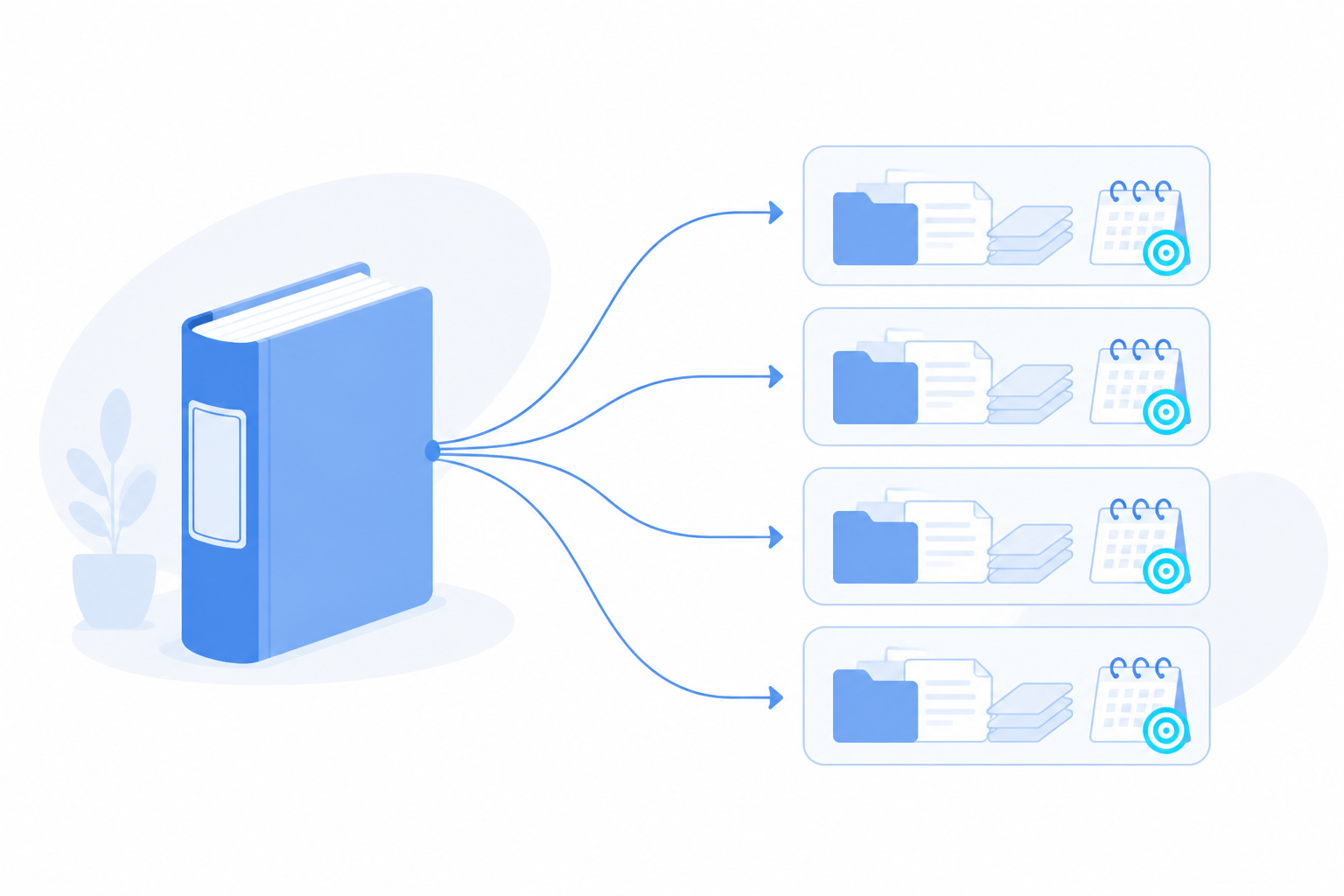
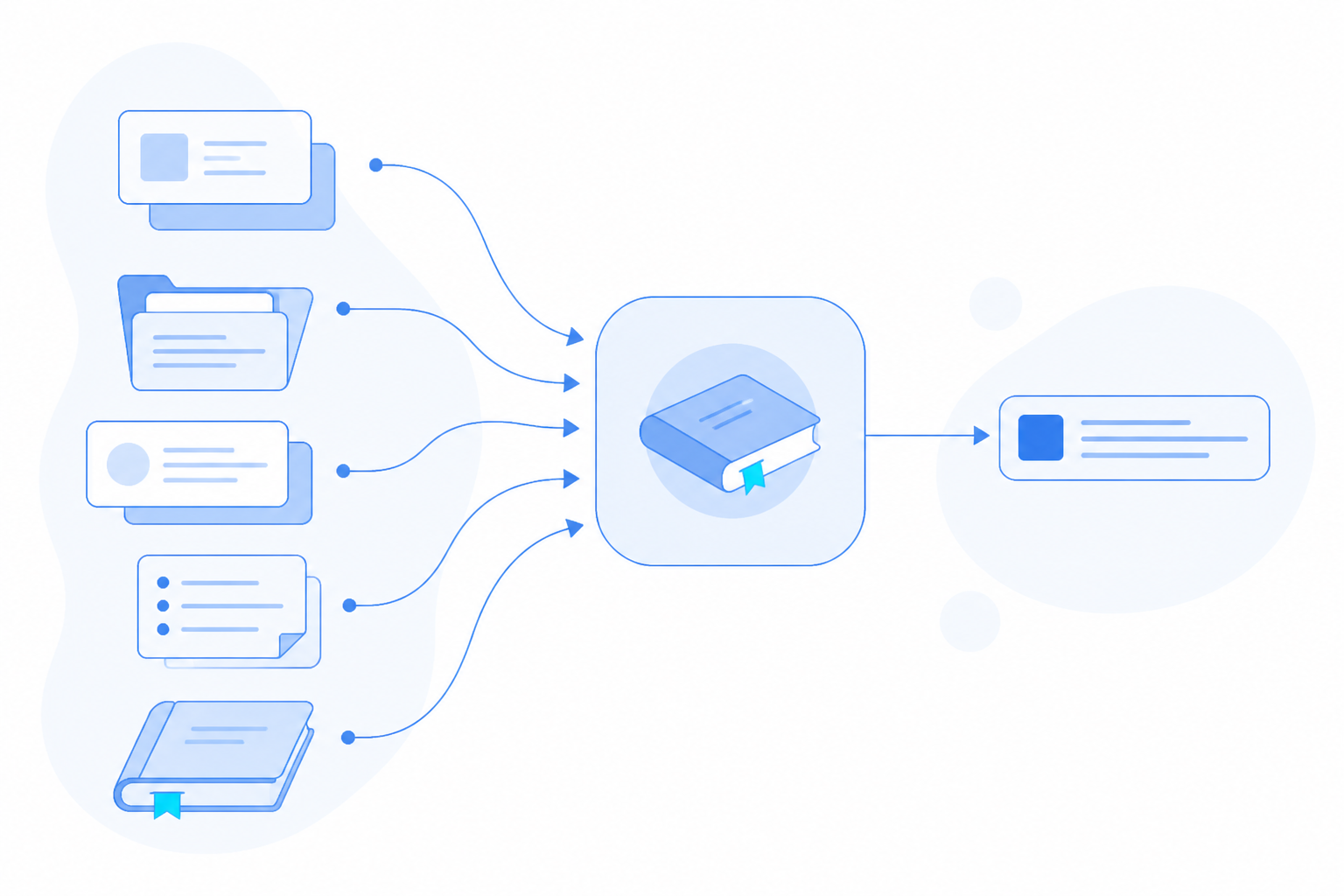
You can now upload your company's own documents into the Agentic Engine. The Knowledge Base is a new layer inside the Engine that holds your tracking plans, metric and indicator definitions, playbooks, and SOPs. Once a document is loaded, every Agent conversation in scope reads from it automatically. The Agent answers using your team's definitions and rules, not a generic best guess. It is how you make the Agent sound like it has worked at your company for years, starting on day one.
What You Can Do With It
- Get accurate queries. Load your event tracking plan so the Agent builds queries against your real event and property names, instead of guessing at them.
- Keep one metric definition. Store your metric definitions and calculation-logic docs so every analysis of LTV, ROI, retention, and the rest uses the same formula each time.
- Hold institutional memory. Add internal playbooks, SOPs, and past decisions so the Agent advises in a way that matches how your organization actually runs.
- Speed up onboarding. Let new hires and client-side teammates ask the Agent directly, instead of digging through scattered docs.
Why it matters: the answers come from your documents, so they stay consistent no matter who asks or when.

How It Works
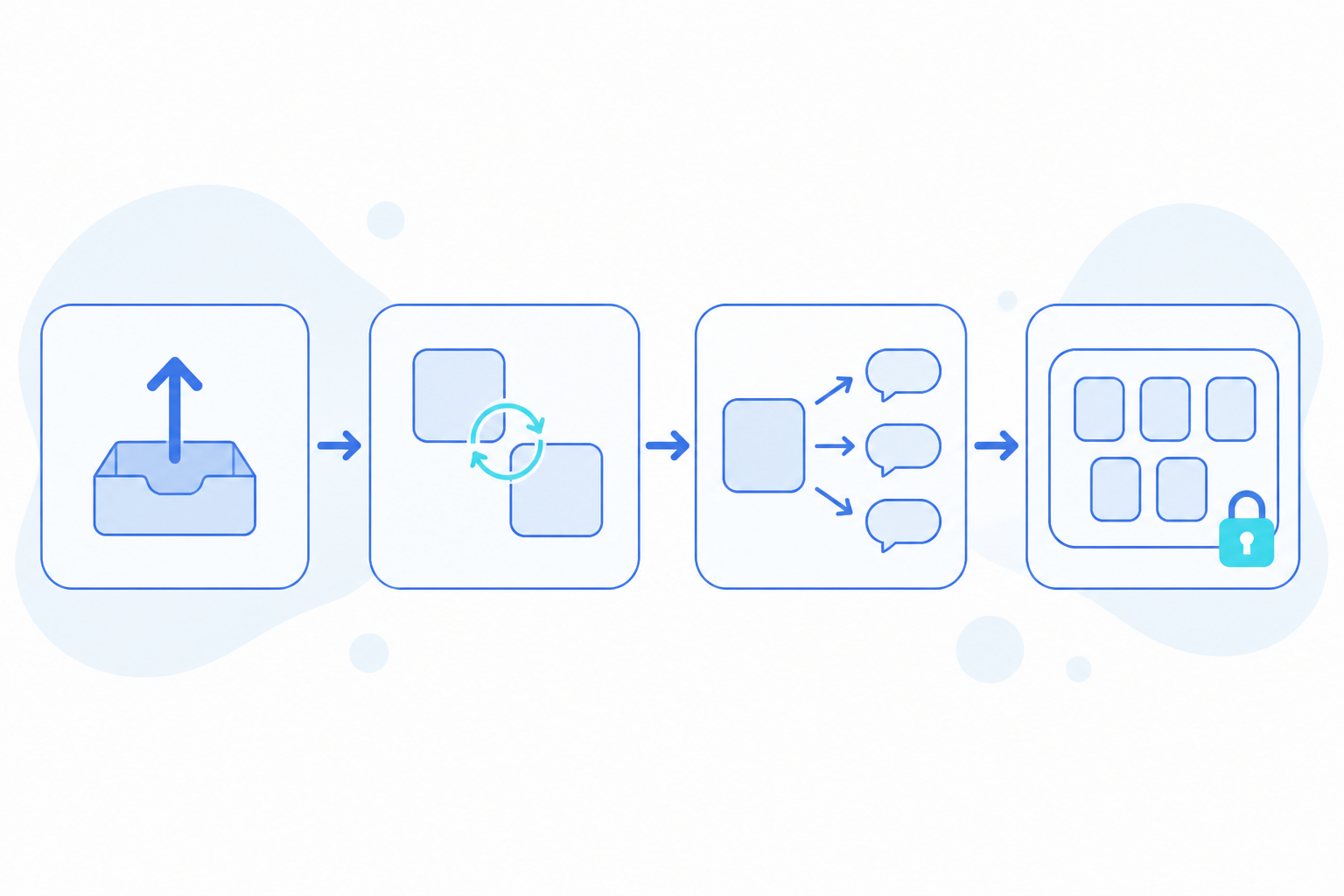
- Upload. Add internal documents into a Knowledge Base through the AE interface or the ae-cli with
+kb create. - Sync. Event names, properties, and calculation logic are indexed for you. There is no manual re-entry.
- Reference. Every in-scope Agent session pulls from the relevant Knowledge Base on its own. You never re-explain context in a new conversation.
- Scope. Bind a Knowledge Base to specific projects or teams. Each person's frequently used bases become their default, and they can override that at any time.
Why it matters: you load a document once, and it shows up in the right conversations without anyone re-explaining it.
Where It Pays Off
One number, not five. Finance, marketing, and product each calculated LTV a little differently, and the conflicting figures showed up in leadership reviews. Load the metric definitions document into the Knowledge Base and every team's Agent applies the same calculation. One shared source of truth, and no more reconciling reports before an executive meeting.
Faster ad-hoc analysis. Analysts used to re-explain event and property definitions to the Agent, and to each other, every time a new question came up. That slowed turnaround and invited misread metrics. With the tracking plan loaded, the Agent references the correct definitions on its own, so questions get answered faster with less back-and-forth.
Onboarding in days, not weeks. New analysts and client-side teammates used to spend weeks learning where documentation lived and how each metric was defined. Now they ask the Agent directly and get answers grounded in the company's actual docs. Ramp-up gets shorter, and the knowledge stays put even as teams change.
Getting Started
Create your first Knowledge Base through the AE interface, or from the ae-cli with +kb create. Load a tracking plan or a metric definitions document, then bind the base to the projects or teams that should use it. From there, every in-scope Agent answers with your company's own definitions, so the same question gets the same answer no matter who asks or when.
Share