
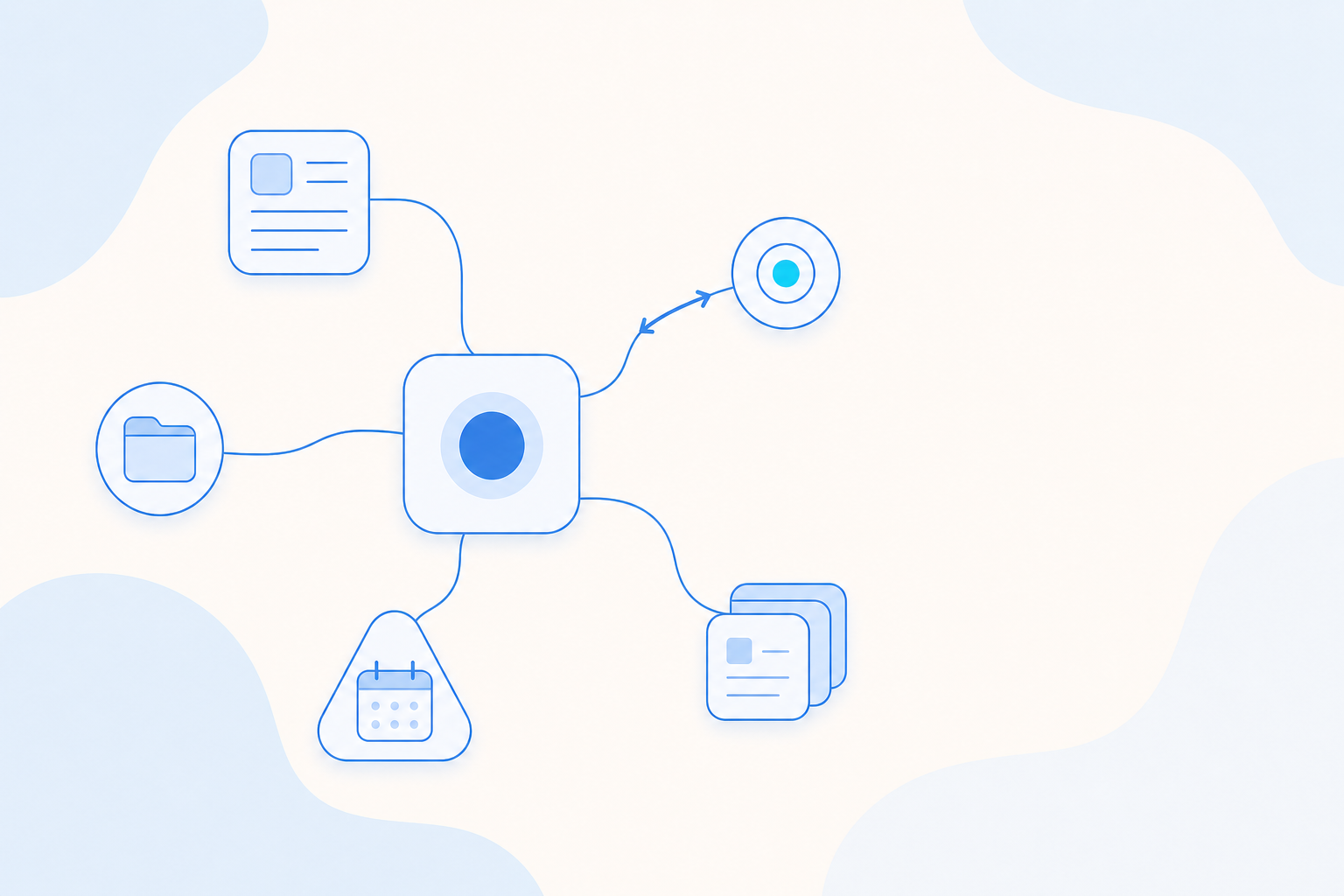
You can now connect the platforms and tools your team already works in straight to your Agents. MCP Management, part of the Agentic Engine, uses the Model Context Protocol to let an Agent call those systems and finish the work inside a conversation instead of only describing it. It gives your Agents hands, so they reach into your platforms and come back with the result.
What You Can Connect
- Built-in platforms, ready in a session: Every workspace ships with system-level MCPs that ThinkingAI provides by default, covering the Analysis Operations Platform, the Community Insights Platform, and the Data Development Platform. Activate one in a session and the Agent works with it directly, no setup required.
- Your own tools, added once for everyone: Any external system can be connected as a company-level MCP. A system administrator adds it once, and it becomes available to every member's Agents.
- Two-way integration: Integration runs in both directions. You can also copy an MCP's configuration so an outside system connects into the Agentic Engine and calls its capabilities.
How It Works
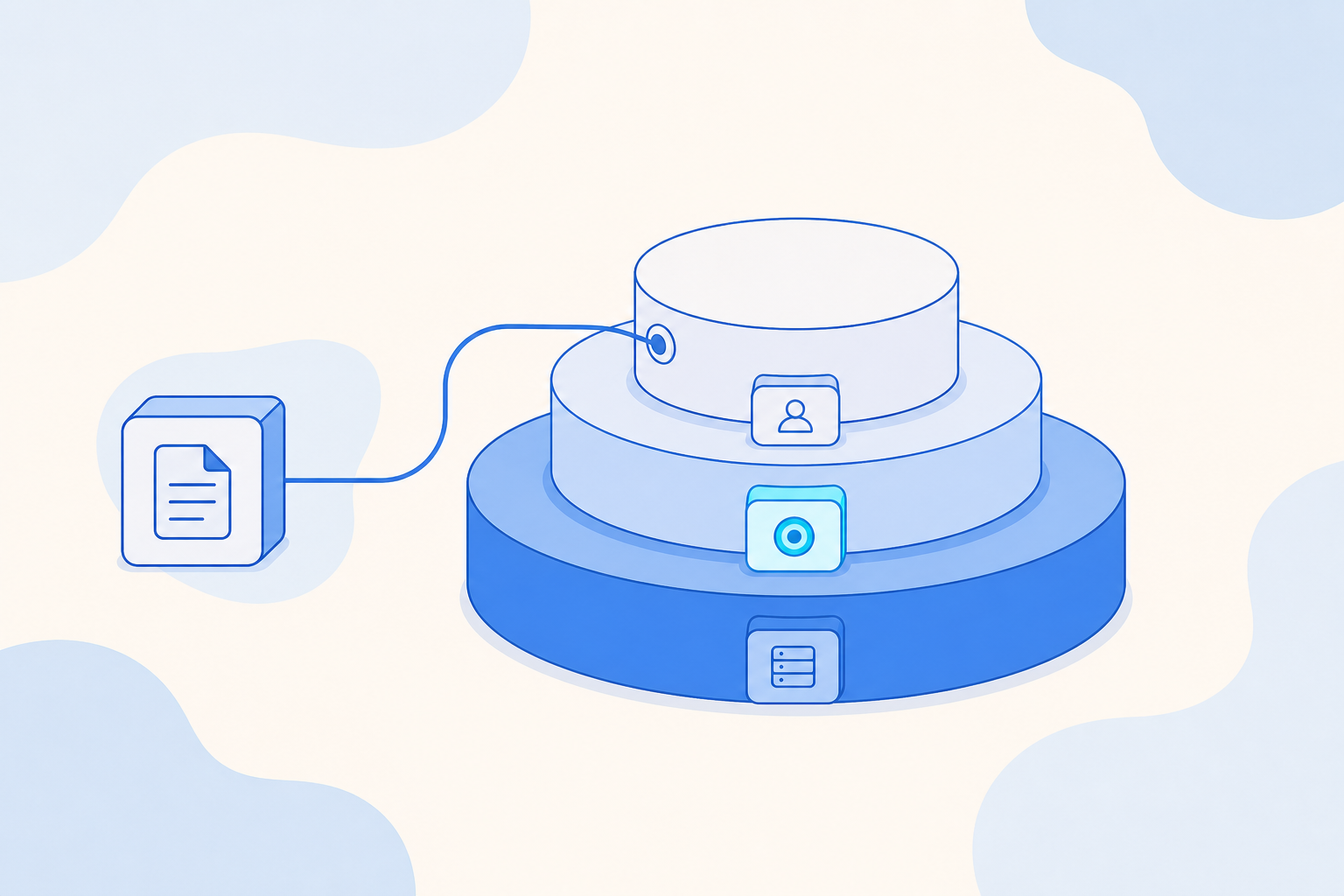
- Choose a level: System-level MCPs come from AE by default and are ready to use. Company-level MCPs are added by administrators for everyone. Personal-level MCPs stay private to the user who adds them.
- Create: Click create and enter the configuration to connect an external system MCP to AE. Only system administrators can create company-level MCPs.
- Manage: Regular users toggle an MCP on or off for themselves and can edit or delete their own configurations, without affecting anyone else.
- Use: Turn the MCP on in a session, or attach it in an Agent's configuration so it is available every time you work with that Agent.
What You Get
| At a glance | What it means for you |
|---|---|
| Ready in a session | Your Agents can use the three built-in platforms today, with nothing to configure. |
| Three-level control | Connections sit with the right owner, so admins govern shared tools while users keep their own. |
| Works both ways | Bring outside systems into your Agents, and let outside systems call the Engine back. |
| Per-user control | Anyone can turn a tool on or off for themselves without changing what the team sees. |
Getting Started
MCP Management is available now in the Agentic Engine. Turn a connection on from a session, or add it in an Agent's configuration, and it applies to every conversation with that Agent. The three built-in platforms are there from the start, so your team can begin with them today.
Share