
This week's changes cover agent conversations, Skills, knowledge bases and model selection. Usage statistics also load faster and more consistently.
| Module | Change | Where you'll see it |
|---|---|---|
| Agent management | Drag-and-drop files in conversations | Conversation input area |
| Any file format, up to 50 MB per file | Conversation input area | |
| Context usage indicator | Conversation input area | |
| Brand-ready image and PDF exports | Conversation export | |
| A2A endpoint on agent detail pages | Agent detail page | |
| No limit on Skill selection | Skill picker in conversations, Agents, Teams | |
| Extra Skills on custom agents | Custom agent conversations | |
| Cached tokens in knowledge base usage | Knowledge base usage detail | |
| Change summary for each incremental compile | Knowledge base compile history | |
| Steadier automatic model selection | Company Auto model setting | |
| Governance | Faster usage statistics | Usage statistics |
Agent management
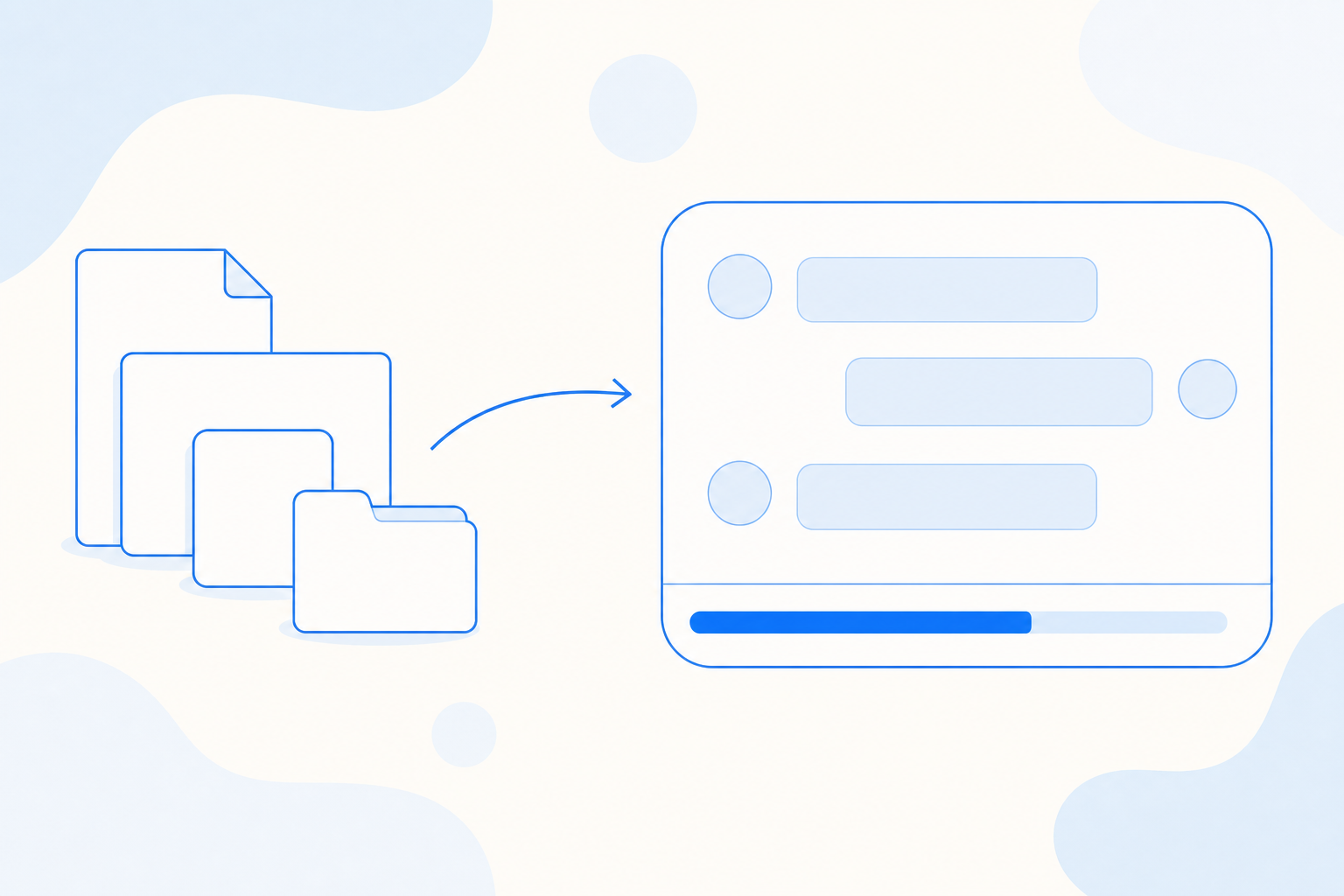
Drag-and-drop files. You can now drop files straight into a conversation, and they upload automatically. Adding context to a request takes one motion.
Any file format, up to 50 MB. You can attach files in any format, up to 50 MB each. You no longer need to convert a file before sharing it with an agent.
Context usage indicator. The input area now shows how much of the conversation's context has been used, the model's limit and the percentage. In a long session, you can see when it is nearing capacity and decide when to start a new one.
Brand-ready exports. Exporting a conversation to an image or a PDF now produces a clean, consistent ThinkingAI layout. The file is ready to add to a report or send to stakeholders.
A2A endpoint on agent detail pages. Each agent's detail page now shows its A2A (agent-to-agent) connection details: the agent's endpoint and a description of its capabilities. Developers can use these to connect an agent to an evaluation platform or another business system.
No limit on Skill selection. You can select any number of Skills in conversations, Agents and Teams, and automatic Skill matching can also pick any number. You can bring every Skill a complex task needs.
Extra Skills on custom agents. While working with a custom agent, you can now select or invoke Skills beyond the ones the agent was built with. Only Skills you already have access to are available, so your organization's permissions still apply.
Cached tokens in knowledge base usage. Knowledge base usage detail now includes cached input tokens. For each compile, you can now see the full picture of model usage in the usage detail.
Change summary for each incremental compile. For each incremental compile, you can now see how many source files were added, modified, deleted or left unchanged. You can confirm that the update included the files you expected.
Steadier automatic model selection. Company Auto is the automatic model selection setting. When you continue a multi-step task, your follow-up questions can now stay on the same model tier, which supports more consistent responses and more predictable usage.
Governance
Faster usage statistics. Usage statistics now load faster and more consistently. This includes reports that cover large volumes of activity.
Questions
Questions about anything in this update? Contact your account team. This update reflects what is live as of the date above.
Share