
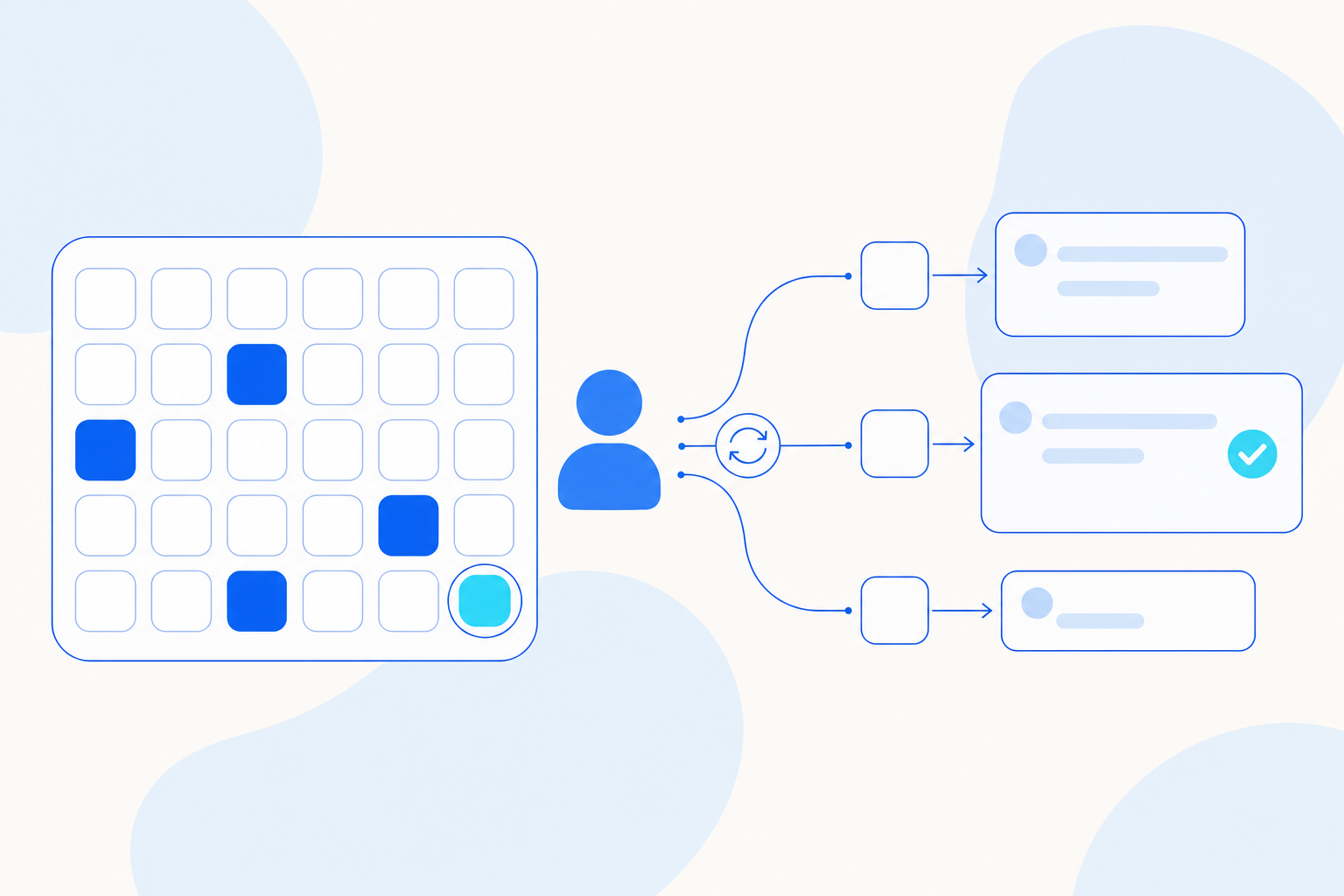
Automations can now run on several days each week, several dates each month or the month's last day, and can send results to configured external channels. You can also preview Word documents in the browser. The AE CLI adds member groups, board layout control and resource migration between environments.
| Module | Change | Where you'll see it |
|---|---|---|
| Agent management | Several run days or dates for one automation | Automation schedule |
| Run on the last day of the month | Automation schedule | |
| Results sent to external channels, with delivery status | Scheduled automation results | |
| Filter conversations by Agent | Conversation list | |
| Online preview for Word documents | File preview | |
| Automation scheduling and notifications from the CLI | AE CLI | |
| Resource package import and export | AE CLI | |
| Analytics | Resize and move report cards on a board | AE CLI, analysis boards |
| Analysis feedback collection | AE CLI | |
| Governance | Project member groups | AE CLI |
| Credentials for a single command | AE CLI |
Agent management
Several run days or dates for one automation. An automation is a task you give an Agent or an Agent Team to run on a schedule. One automation can now run on several days each week, or on several dates each month. Use these schedules for recurring checks during the week or reviews in the middle of the month.
Run on the last day of the month. You can schedule an automation for the month's last day, whatever its length. The same schedule works for every month, including February and months with 30 or 31 days.
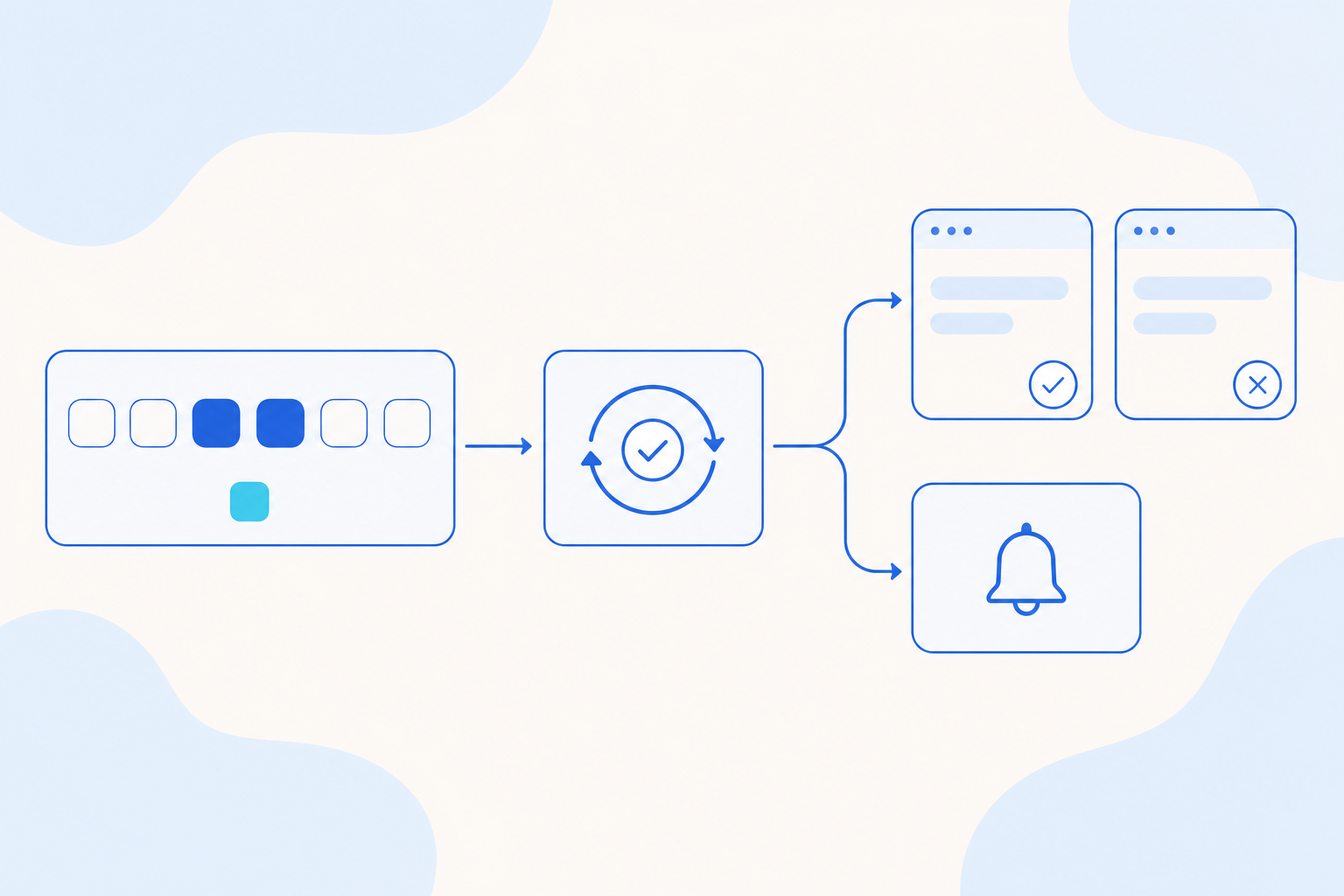
Results sent to external channels. Agent and Agent Team automations can send their results through the external channels you have configured, and show whether each delivery succeeded. The task owner gets the results when a scheduled run finishes, without opening the task. If no external channel is configured, notifications stay in the app.
Filter conversations by Agent. The conversation list now has an Agent filter. Select an Agent to see only the conversations with that Agent.
Online preview for Word documents. Word documents now open in the browser with their text, tables and embedded images. You can review an Agent's deliverable without downloading it, and files beyond the preview limits can still be downloaded.
Automation scheduling from the CLI. The AE CLI is the command-line tool for Agentic Engine. It can now schedule Agent and Agent Team tasks on several days each week, several dates each month or the month's last day, and configure their result notifications.
Resource package import and export. With the AE CLI you can move Agents, Agent Teams, Skills, MCP configurations (connections to outside tools) and knowledge bases between environments on the same application version. The CLI runs preflight checks before a transfer, and an interrupted transfer can be resumed. You can query, cancel or retry each migration task.
Analytics
Resize and move report cards on a board. From the AE CLI you can change the size and position of report cards on an analysis board. Changes apply only to that board. The CLI uses the latest layout version, so it does not overwrite a teammate's edits.
Analysis feedback collection. The AE CLI can collect a real analysis case, its original answer and the feedback given on it. Feedback collection is off by default and works only in projects where someone has turned it on.
Governance
Project member groups. From the AE CLI, admins can list, create, rename and delete project member groups, and add or remove members. This lets admins manage access team by team.
Credentials for a single command. You can pass credentials for one command with --cli-token-file or with environment variables. Your saved login stays unchanged.
Other improvements
- You can copy model configurations you manage.
- When you select an Agent or Skill, the default Agent shown is the Agent that runs, and names and labels are consistent.
- Connected tools use one authorization flow in chat and on management pages. After you authorize, resend your message when prompted.
- You can track, cancel and retry resource migration tasks. Files from completed automation runs are saved for later retrieval.
- The usage overview now defaults to the last 7 days, and quotas for the Sandbox (the environment where Agent conversations run) reflect the actual resources.
- In the CLI, waiting for an Agent Team task resumes after a disconnection, and results save to the knowledge base you chose.
- Knowledge bases keep calculation logic, including compound filters and each formula's conditions and time ranges.
Questions
Questions about anything in this update? Contact your account team. This update covers the release notes dated October 23, 2026.
Share