
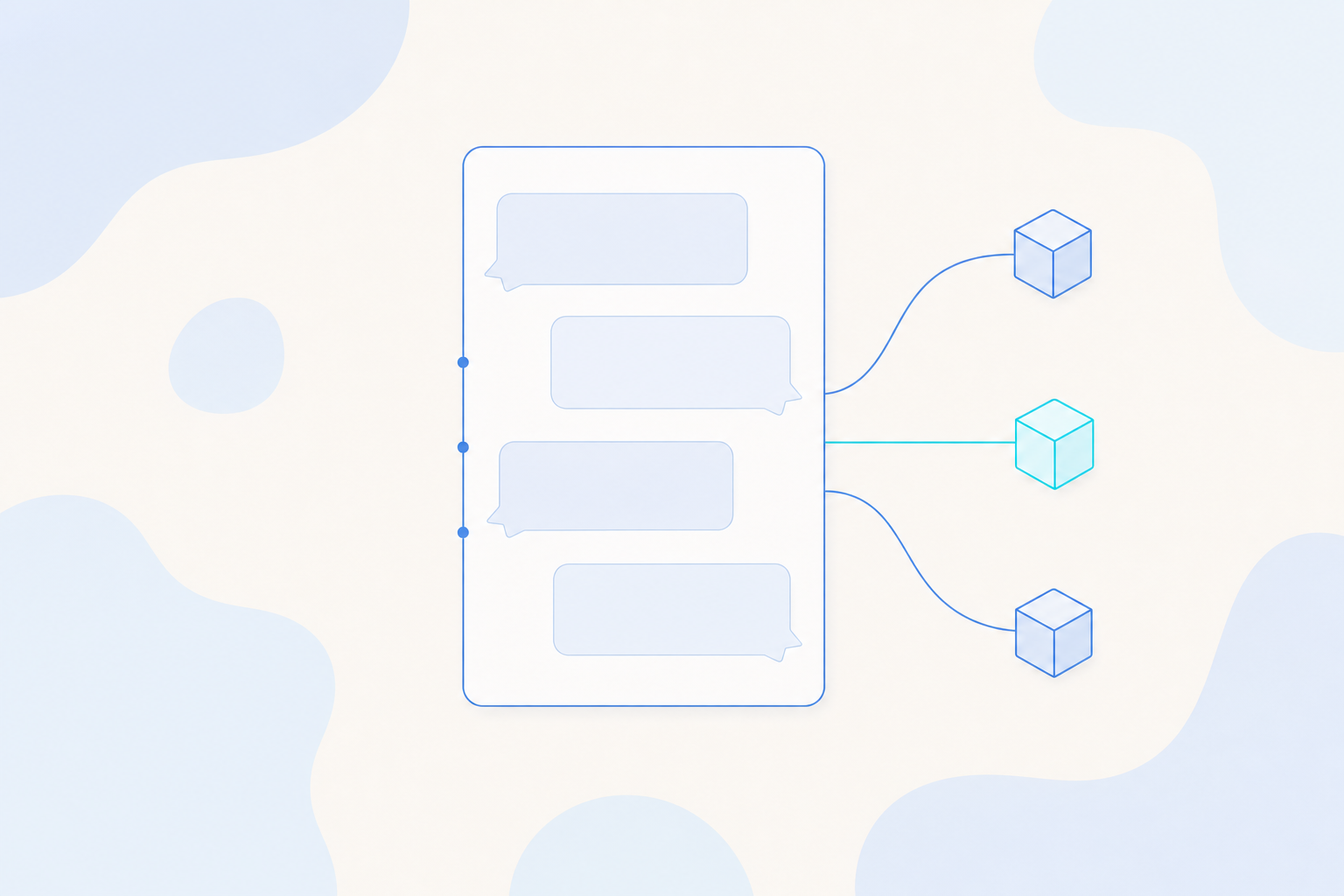
You can now move through long conversations more easily and coordinate several remote Agents in one conversation. You can also add WeCom documents to a knowledge base, and in the AE CLI, common operations metrics can follow calendar days, weeks and months.
| Module | Change | Where you'll see it |
|---|---|---|
| Agent management | Easier navigation in long conversations | Conversations |
| Several remote Agents in one conversation | Conversations | |
| Faster automation setup | Automations | |
| Reasoning depth for single-Agent automations | AE CLI | |
| Share and reuse Agent Teams | AE CLI | |
| Governance | WeCom documents as knowledge base sources | Knowledge base sources |
| Language for generated knowledge base content | Knowledge base and AE CLI | |
| Analytics | Calendar periods for operations metrics | AE CLI |
Agent management
Easier navigation in long conversations. A prompt navigation rail lets you jump back to an earlier question without scrolling through the whole thread. You can copy a table with one click or expand a wide table to see every column, zoom in on images, and open Mermaid diagrams in their own view. Use it to paste results straight into your spreadsheet tool or to read the fine print in report images and complex flowcharts.
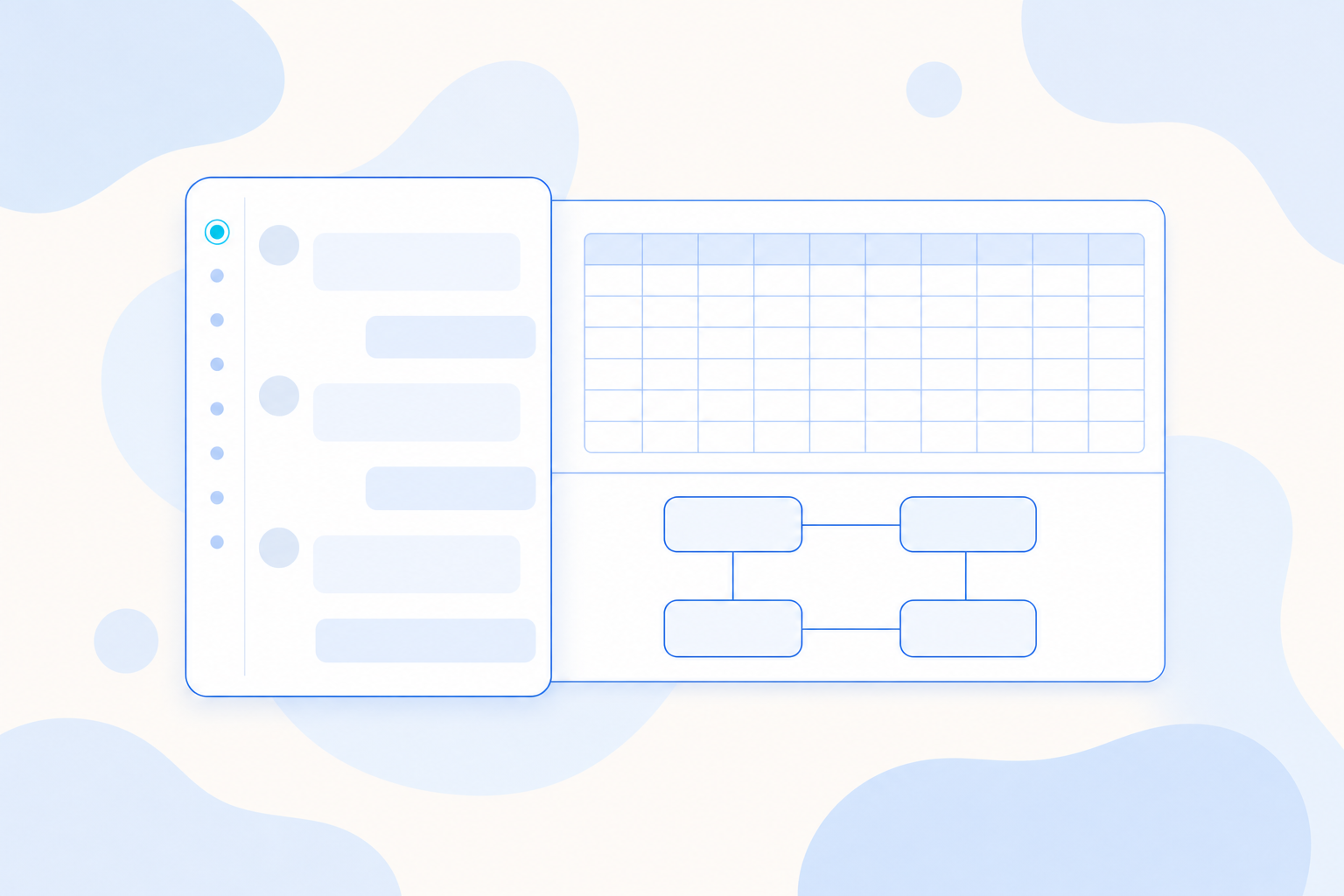
Several remote Agents in one conversation. You can select multiple remote Agents in a single conversation and delegate work to each one as needed. The conversation context carries over from one delegation to the next, so you don't have to repeat your instructions. Remote Agents are now managed separately from standard MCP connections, which link Agents to external tools and business services. Each remote Agent can connect with no authentication or with its own Bearer token. Use it to divide an analysis among specialist Agents and bring the results together in one place.
Faster automation setup. An Agent Team combines several Agents that complete one task together. You can duplicate an existing single-Agent or Agent Team automation and use its configuration as the starting point for similar recurring tasks. When you create or update a single-Agent automation through a conversation, you can set its reasoning depth to match how complex the analysis is. For runs in a shared space, you can see who started each run, or whether a scheduled trigger started it.
Reasoning depth for single-Agent automations. The AE CLI (ae-cli) is the command-line client for Agentic Engine. The automation create and automation update commands now accept --effort with low, medium, high or max. Pass --effort adaptive to clear the override. You decide how much reasoning each recurring task needs, and scripts or AI assistants apply that setting when they create the task.
Share and reuse Agent Teams. In the AE CLI, team +promote turns your personal Agent Team into a company Agent Team, and team +copy-to-personal makes a personal copy of a company Agent Team. Run either command with --dry-run to preview the revision, review it, and then confirm that same revision. You see what changes before you share an Agent Team with your company or adapt one for yourself.
Governance
WeCom documents as knowledge base sources. You can add WeCom URLs as knowledge base sources, including online documents, smart documents, online spreadsheets and smart spreadsheets. You can then query the authorized documents your team keeps in WeCom alongside the rest of your knowledge base.
Language for generated knowledge base content. You can choose the language for the guidelines, navigation and summaries that Agentic Engine generates. If you don't set one, it infers the language from your sources. Your original text, code and SQL stay unchanged, and the generated guidelines, navigation and summaries appear in the language you selected or the one inferred from your sources.
Analytics
Calendar periods for operations metrics. In the AE CLI, common operations metrics now support calendar-day, calendar-week and calendar-month windows. The new --time-cycle-def option sets where the period starts, so business-day, weekly and monthly reports stay aligned to the calendar. This needs matching support on the server side.
Other improvements
- Based on your feedback, typing a model ID when you add a personal or company model now shows common candidates.
- Also based on your feedback, conversation history loads on demand, so long-running automation conversations open with less lag.
- You can convert a personal Agent Team into a company Agent Team in the product.
- When an automation fails, you can see if an Agent was disabled, if a permission was invalid and which stage failed. You can also see the actual number of attempts and copy the diagnostics. Agentic Engine starts a rerun only after it confirms that the previous run has stopped.
- Insufficient balance and usage limits are now reported separately, and ordinary technical errors no longer appear as quota issues.
- Changing the reasoning depth for the next turn no longer clears your input suggestions.
- In the AE CLI,
kb +schematakes--content-languageor--rewrite-language, andkb +compileshows the guideline language. Older servers that don't support these options now return an error that says so. - When you update a metric in the AE CLI, leaving out
--time-cycle-defkeeps the saved period. Pass--time-cycle-def nullto return to a rolling window. - Each automation task created through a conversation gets its own preview and confirmation. Agent Teams keep their own depth settings and report any ignored fields.
- Call diagnostics now include assistant context and show the model actually used in each turn. File content and results are unchanged.
If you use AE CLI scripts
team +update --scopeno longer changes an Agent Team's scope. To share a personal Agent Team with your company, useteam +promote. To make your own copy of a company Agent Team, useteam +copy-to-personal.- Shared-space automations must use an enabled company Agent Team. Personal copies of an Agent Team don't include schedules, history or company notification targets.
kb +grepnow searches a page or subdirectory withinwiki/that navigation returns. The Wiki root,raw/and paths outside these bounds aren't accepted.- A Skill turns a stable working method into a reusable workflow. The ae-tracking-matrix Skill is now an AE system Skill and no longer ships with the CLI. If you use only a local CLI installation, set up the ae-tracking-matrix Skill in the AI assistant you use with the CLI. Existing tracking commands are unchanged.
Questions
Questions about anything in this update? Contact your ThinkingAI account team. This update covers the release notes dated November 20, 2026.
Share